
Quick Summary
If your payment is declined, check your card details and balance, then try again or use another method.
We'll Cover:
Check these first
- Card number, expiry date and CVV
- The billing address matches your card
- Your card has enough funds and allows online payments
- Only locally issued Visa and Mastercard are accepted
If it still fails, contact your bank or our support team.
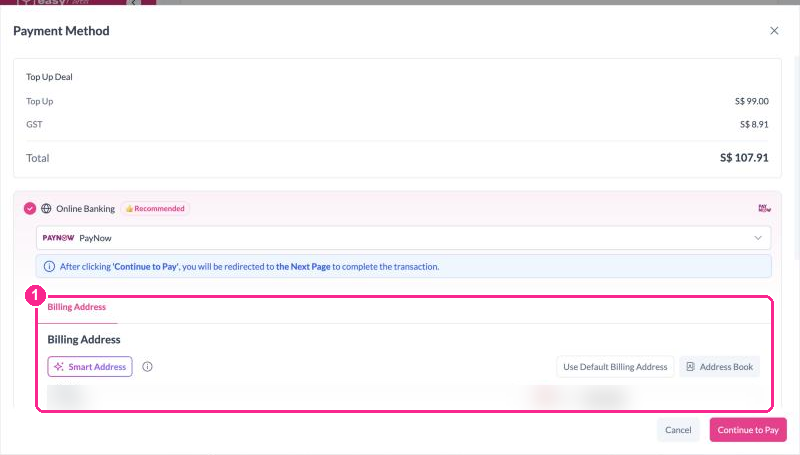
Check the Billing Address (1) on the payment page.
In the app
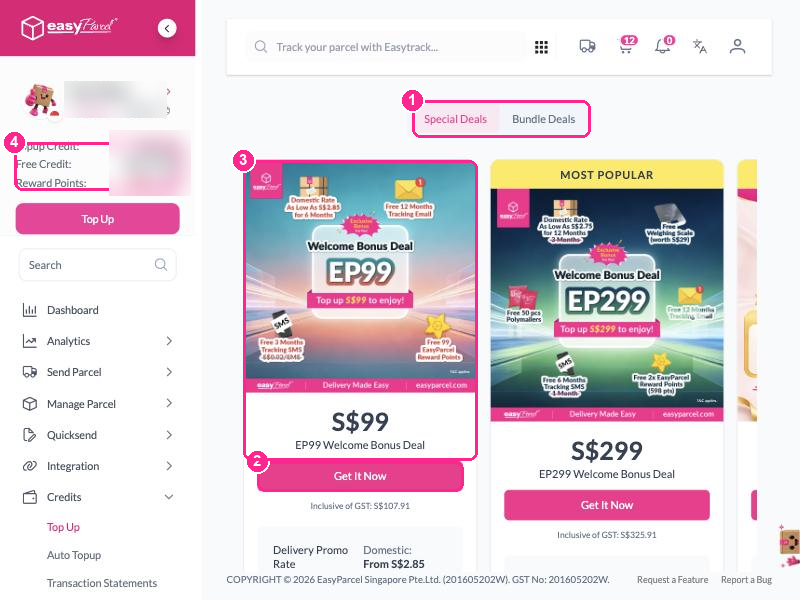
Try again from the Top Up page, or choose another payment method.
Why did my top-up payment fail?
- The card was declined by your bank, or has not enough balance or limit.
- Online payments are blocked on the card. Check with your bank.
- The payment page timed out. Start the top-up again.
- Try another method: PayNow, GrabPay or another card. For large amounts, you can top up by bank transfer.
If money left your account but no credit was added, contact our support team with your payment reference.
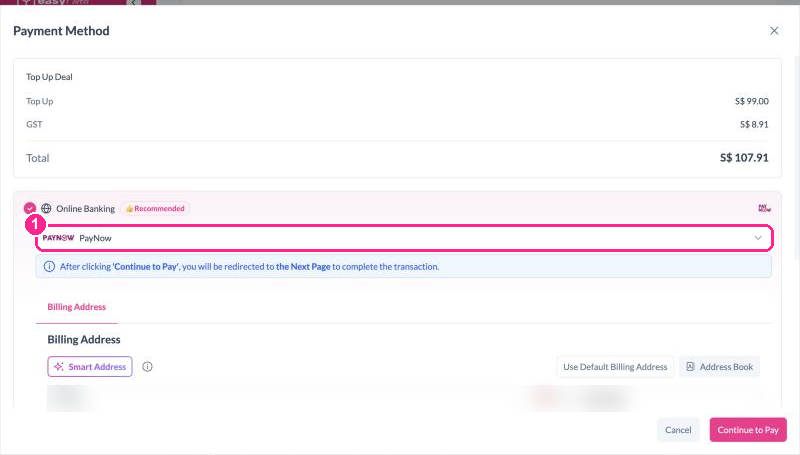
Try another payment method (1).
What's next?
Still need help?
Our team is happy to help. ? Live Chat | ✉️ Contact Us