
Quick Summary
Open Tools > Fragile Logo, choose the size for your printer, then print or download the stickers. Stick them on your parcel to remind couriers to handle it with care.
We'll Cover:
Choose a size
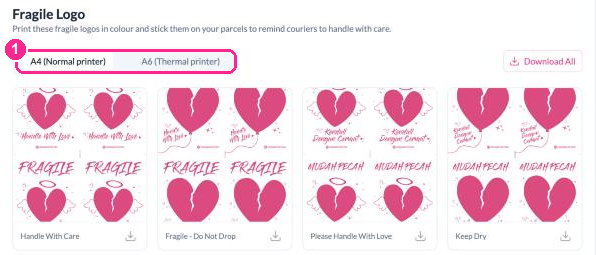
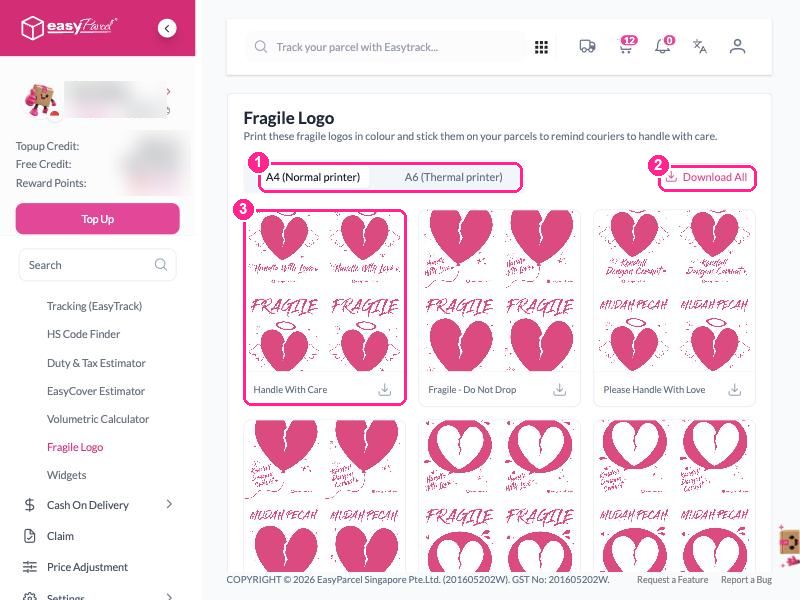
Use the size tabs (1) to pick the sticker size for your printer:
- A4 (Normal printer): for a normal office or home printer.
- A6 (Thermal printer): for a thermal label printer.
Download or print
Click Download All (2), or the download icon on a single design (3). Designs include Handle With Care, Fragile - Do Not Drop, Keep Dry, This Side Up, Do Not Stack and more.
Tip: Print in colour and stick the sticker where it is easy to see.
What's next?
Still need help?
Our team is happy to help. ? Live Chat | ✉️ Contact Us