
Quick Summary
Open Shopify Import, search for orders, click Fulfill, get a quote and pay.
We'll Cover:
Steps
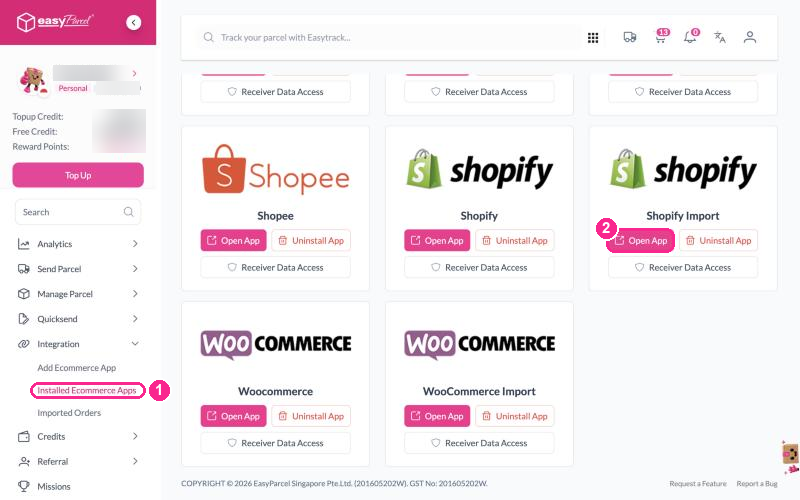
- Click Integration > Installed Ecommerce Apps, find Shopify Import and click Open App.
- Click Shopify Order, choose the date and status and click Search.
- Click Fulfill on the order, check the details and click Get Quote.
- Choose a courier and click Proceed to Payment.
- Click View Orders. The fulfilled order shows on the Order page. Click Details for more.
Go to Installed Ecommerce Apps (1) and click Open App (2) on Shopify Import.
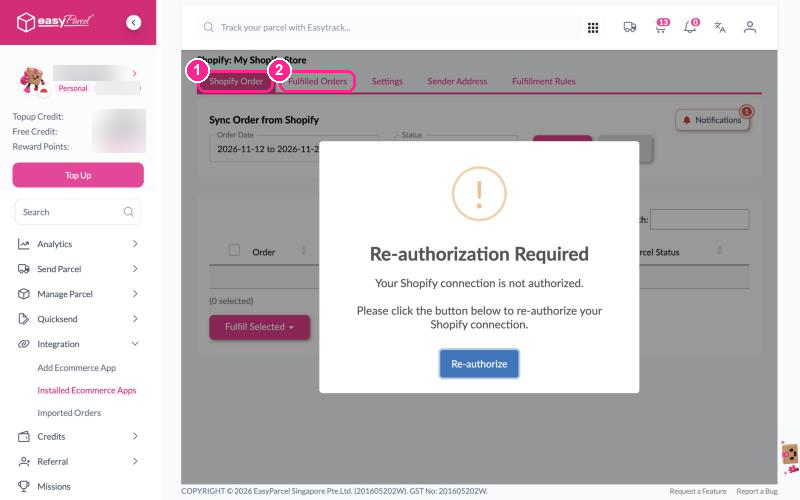
Search and fulfil on the Shopify Order (1) tab. Fulfilled orders move to the Fulfilled Orders (2) tab.
Before you fulfil
Check the stock, the address and any special instructions. After fulfilling, print the AWB straight away.
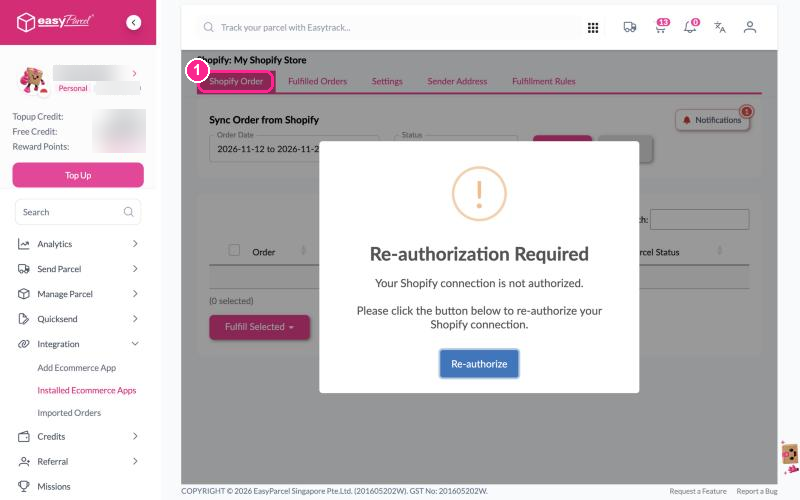
Your orders are listed on the Shopify Order (1) tab.
What's next?
Still need help?
Our team is happy to help. ? Live Chat | ✉️ Contact Us
