
Quick Summary
If the courier you choose supports Cash on Delivery, a COD option appears in Add-on Services. Turn it on and enter the COD amount.
We'll Cover:
Single fulfilment
- On the fulfilment page, choose a courier that supports COD. COD appears below Add-on Services.
- Click Enable. A box opens for the COD amount.
- Enter the amount. An empty value, 0 or an amount outside the allowed range shows an error under the field and you cannot save.
- Hover over the (i) icon to see the total amount, the charges and the amount you receive.
- Click Save. The COD details show below the COD section.
Bulk fulfilment
- Open the Edit box on an order. COD shows in Add-On Services if the selected courier offers it.
- Choose Yes in Enable, then enter the Amount.
- The same checks apply to the amount. Hover over the (i) icon for the COD details.
In the app
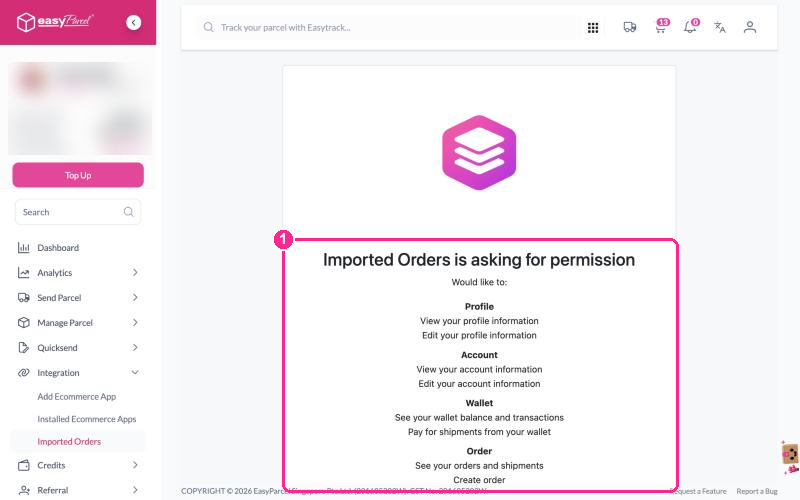
The first time you open Integration > Imported Orders, it asks for permission (1) to see your account, wallet and orders. Read it, then click Allow Access to continue.
What's next?
Still need help?
Our team is happy to help. ? Live Chat | ✉️ Contact Us