
Quick Summary
In bulk fulfilment, merge orders that go to the same receiver address into one parcel. The courier rates are recalculated for the merged order.
We'll Cover:
Start
- Tick the orders you want to fulfil and click Fulfill Selected.
Merge all orders with the same address
- On the bulk fulfilment page, click Merge all orders with same address.
- Orders with the same receiver address are merged and the rates are recalculated.
Merge only some orders
- Tick the orders you want to merge.
- Click Merge selected. Only the selected orders with the same receiver address are merged.
Undo a merge
- Click the undo merge icon on the merged order.
In the app
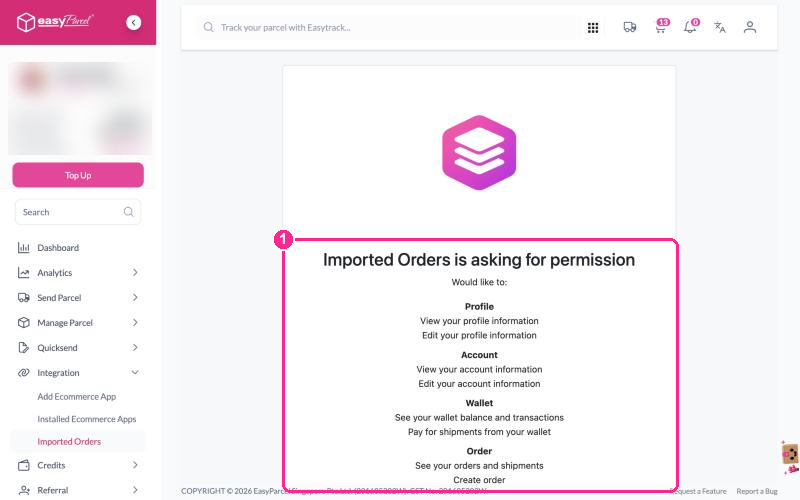
The first time you open Integration > Imported Orders, it asks for permission (1) to see your account, wallet and orders. Read it, then click Allow Access to continue.
Still need help?
Our team is happy to help. ? Live Chat | ✉️ Contact Us