
Quick Summary
EasyParcel works best on an up-to-date browser. We recommend the latest two versions of Google Chrome, Mozilla Firefox, Apple Safari, Microsoft Edge or Opera on your computer, and Safari (iPhone) or Chrome (Android) on your phone.
We'll Cover:
Supported browsers
- Google Chrome
- Mozilla Firefox
- Apple Safari
- Microsoft Edge
- Opera
- Apple Safari for iOS
- Google Chrome for Android
Note: Internet Explorer is not supported. It does not run some of the technology EasyParcel uses, so pages may not work properly.
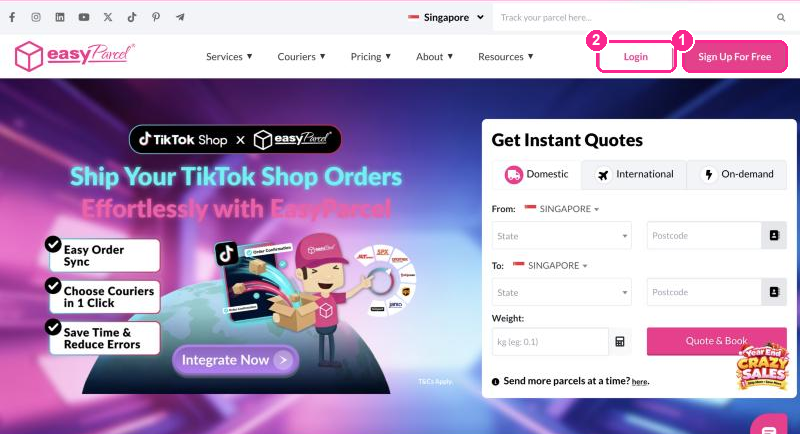
Open the EasyParcel Singapore website in any supported browser. Click Login (2), or Sign Up For Free (1) if you are new.
Tips if something does not load
- Update your browser to the latest version
- Refresh the page, or log out and log in again
- Clear your browser cache and cookies
- Try another supported browser
- Turn off browser extensions (such as ad blockers) for the EasyParcel site
Still stuck? See How do I contact EasyParcel support?
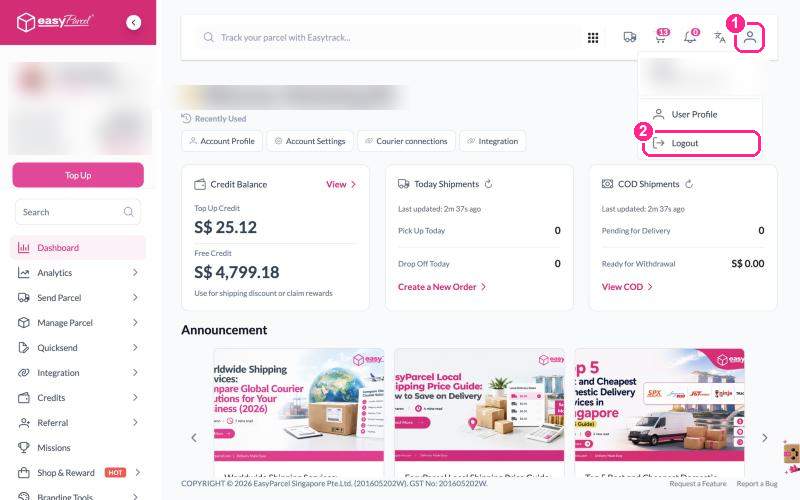
To log out and log in again, click the profile icon (1), then Logout (2).
On your phone
You can use EasyParcel in Safari (iPhone) or Chrome (Android).
See Is there an EasyParcel mobile app?
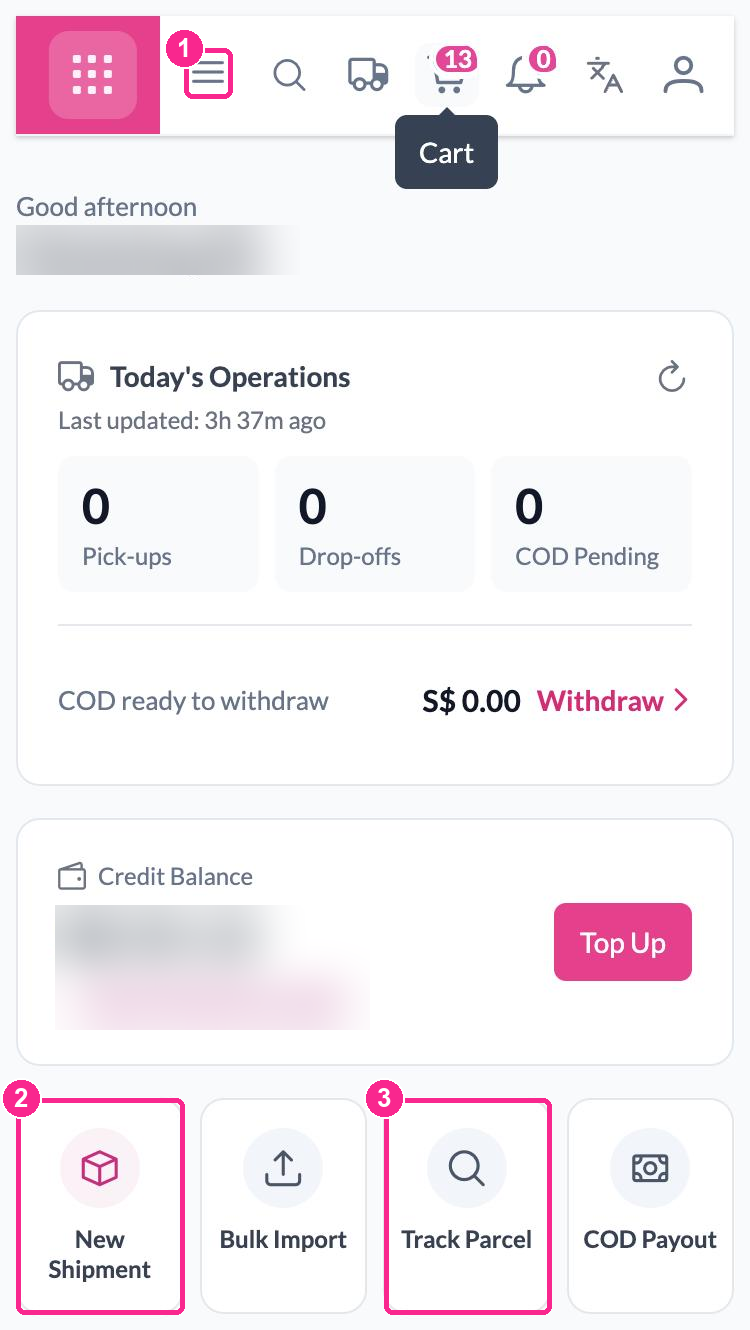
In your phone browser, tap the menu icon (1) to open the left menu. Use New Shipment (2) and Track Parcel (3) for quick actions.
What's next?
Still need help?
Our team is happy to help. ? Live Chat | ✉️ Contact Us