
Quick Summary
If the courier did not collect your parcel, report it from Manage Parcel > All Parcels > More Action > Report > Parcel Collection. This lets our team remind the courier.
We'll Cover:
Before you report
- Check the pick-up date and the collection window. See When will the courier collect my parcel, and can I choose the time?
- Make sure the parcel and label are ready at the pick-up address
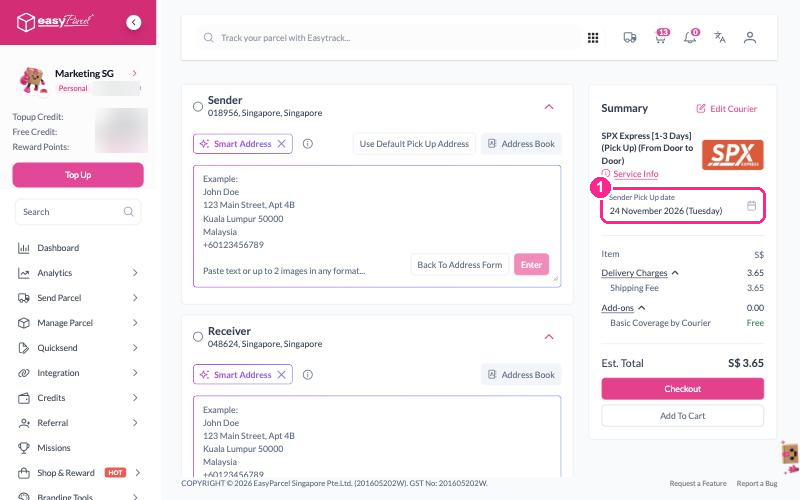
Check the Sender Pick Up date (1) you chose when booking.
How to report?
- Go to Manage Parcel > All Parcels.
- Click More Action on the parcel and choose Report.
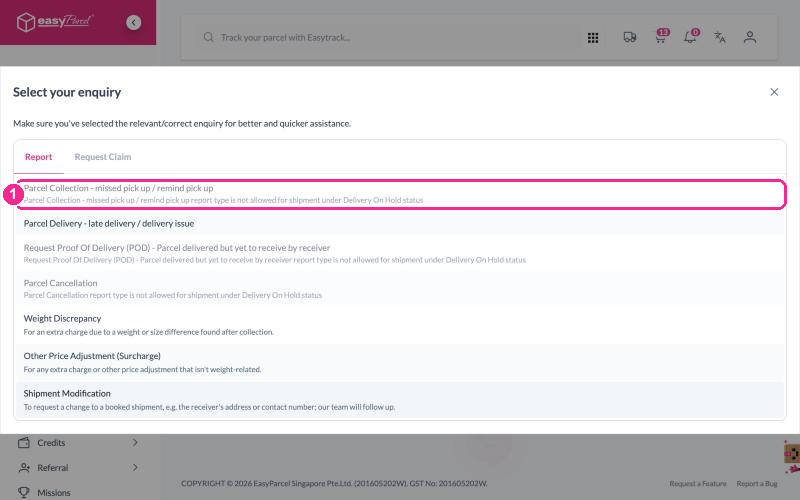
- Select Parcel Collection - missed pick up / remind pick up (1).
In the app
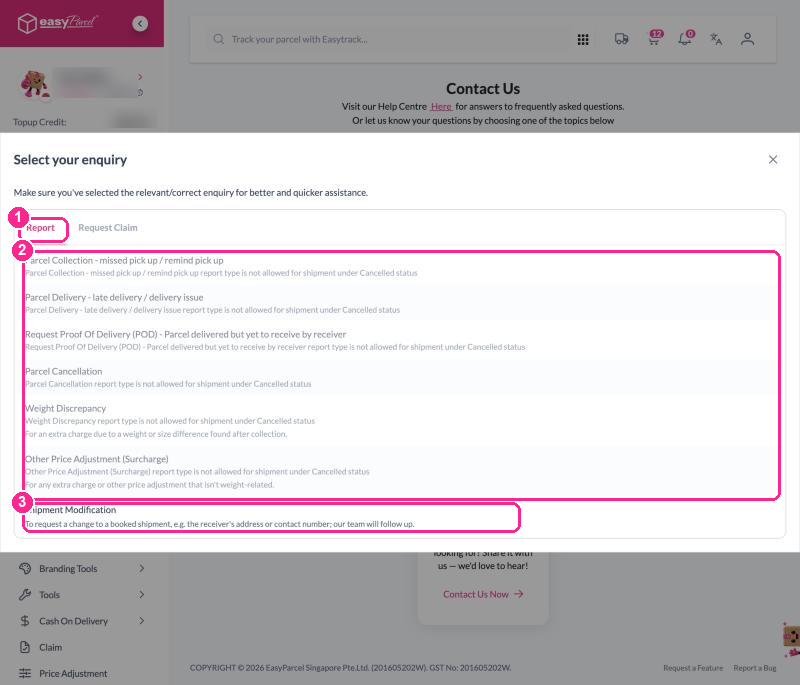
In All Parcels, click More Action on the parcel and choose Report. In the Select your enquiry window, the Report tab (1) lists the topics (2). Choose Parcel Collection.
What's next?
Still need help?
Our team is happy to help. ? Live Chat | ✉️ Contact Us