
Quick Summary
Proof of delivery (POD) shows that your parcel was delivered. If a parcel shows delivered but the receiver has not received it, report it with Request Proof Of Delivery (POD) from the Report menu. For some couriers you can also view the POD in EasyTrack.
We'll Cover:
Request POD
- Go to Manage Parcel > All Parcels.
- Click More Action on the parcel and choose Report.
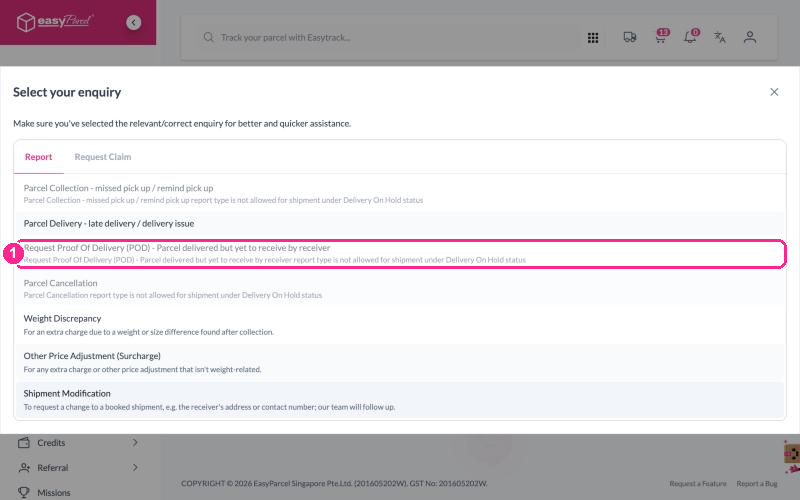
- Select Request Proof Of Delivery (POD) (1).
View POD in EasyTrack
For supported couriers, enter the tracking number in EasyTrack. See How do I track my parcel?
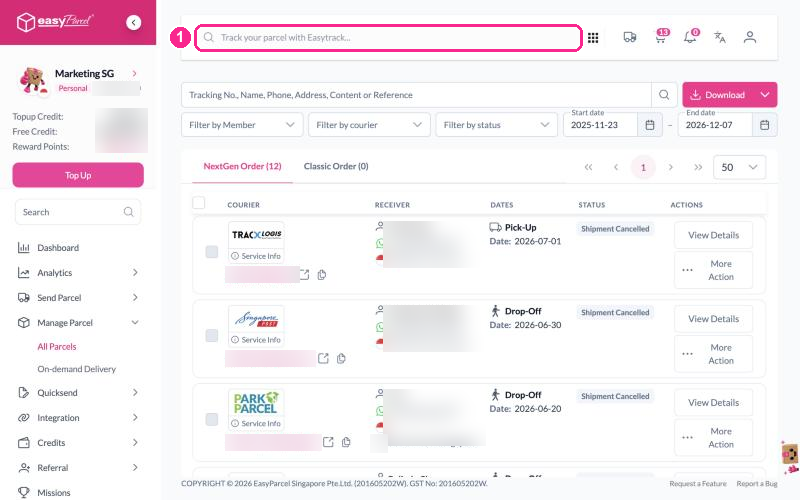
Type the tracking number in the Track your parcel with Easytrack (1) box at the top of the app.
In the app
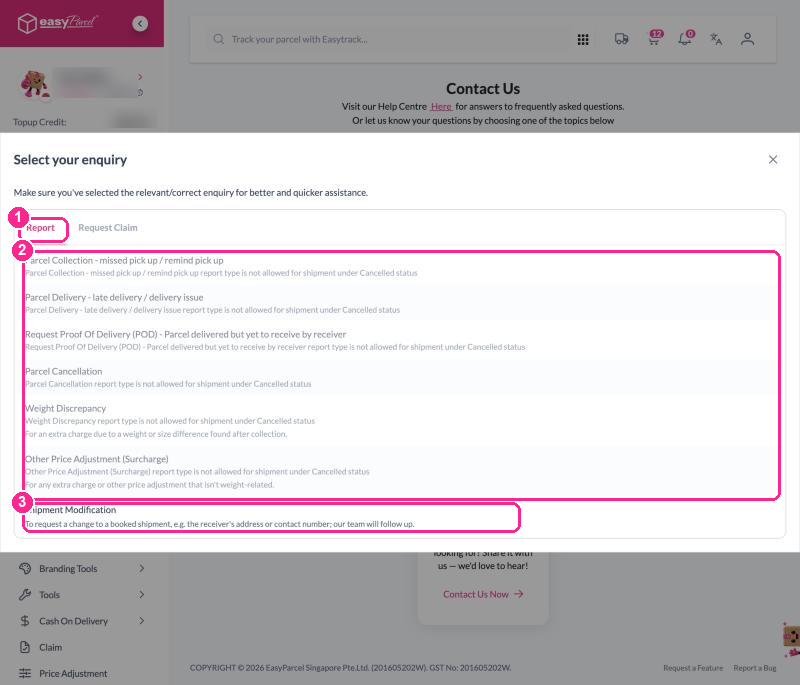
In All Parcels, click More Action on the parcel and choose Report. In the Select your enquiry window, the Report tab (1) lists the topics (2). Choose Request Proof Of Delivery (POD).
What's next?
Still need help?
Our team is happy to help. ? Live Chat | ✉️ Contact Us