
Quick Summary
If you did not get your verification code (OTP) by SMS, check that your mobile number is correct, wait a moment and request a new code.
We'll Cover:
Check these first
- Your mobile number is entered correctly, with the country code
- Your phone has signal and can receive SMS
- Wait a minute, then request a new code
When you change your password, click Send Phone Verification Code (1) to get the code by SMS.
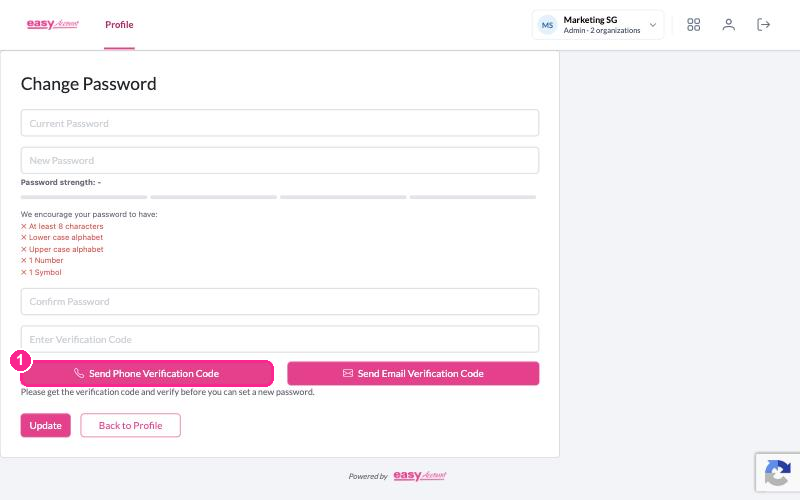
Verify your phone number
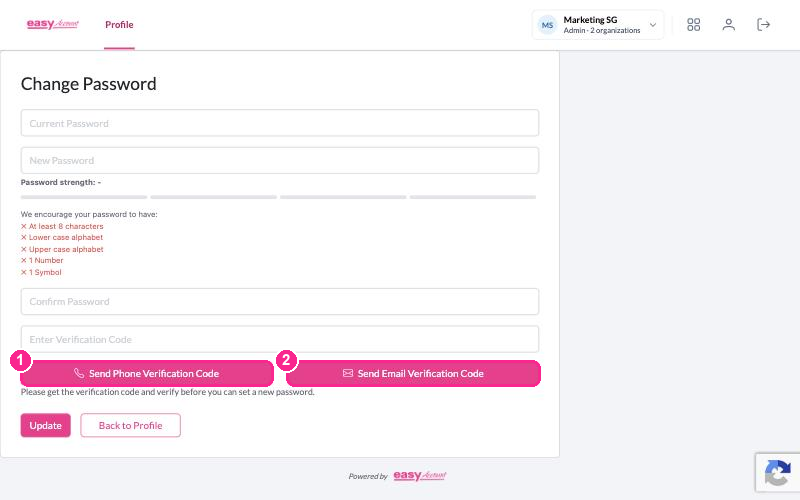
- Codes for changing your password are sent by phone or email. If the SMS does not arrive, choose Send Email Verification Code instead. See How do I change my password?
- If your mobile number is wrong, contact our support team to update it.
Use Send Phone Verification Code (1) or Send Email Verification Code (2).
What's next?
Still need help?
Our team is happy to help. ? Live Chat | ✉️ Contact Us