
Quick Summary
If you received a benefit code from EasyParcel, enter it on the benefit code page to claim it.
We'll Cover:
- Steps
- Good to know
- If the code does not work
- Related articles
Steps
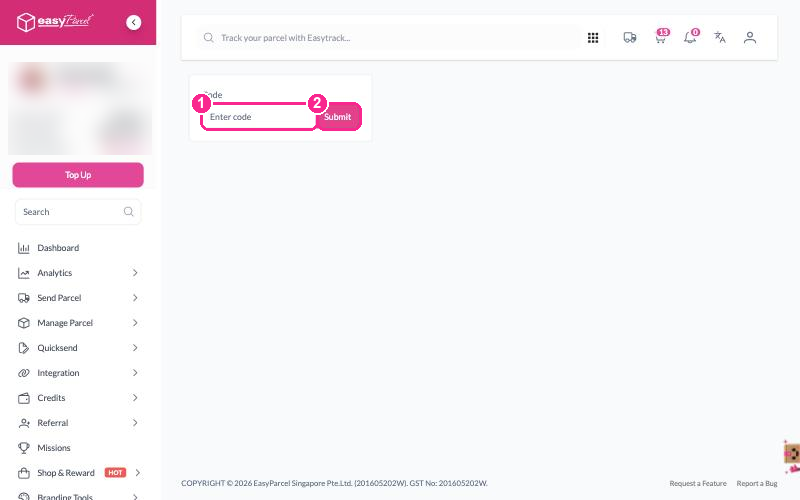
- Open the benefit code page.
- Enter your code (1).
- Click Submit (2).
Good to know
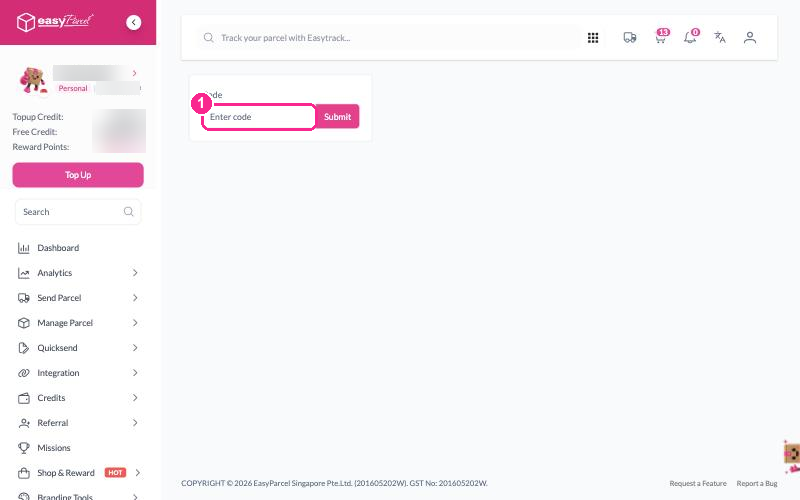
Type the code in Enter code (1) and click Submit.
If the code does not work
- Type the code exactly as you received it.
- Check that there are no extra spaces before or after it.
- If it still does not work, contact our support team.
Related articles
What's next?
Still need help?
Our team is happy to help. ? Live Chat | ✉️ Contact Us