
Quick Summary
You pay for shipments with credit, so your tax invoice is usually for the top-up. You can also download a statement of every shipment charge.
We'll Cover:
Top-up invoices
Download the invoice for each top-up. See How do I download my top-up invoice?
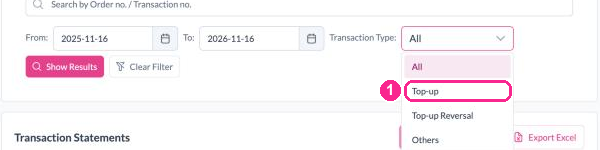
In Credits > Transaction Statements, set Transaction Type to Top-up (1).
Shipment charges
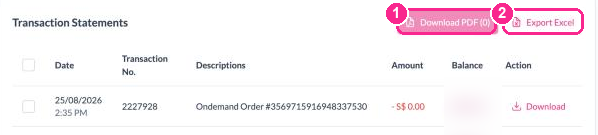
Every shipment, refund and adjustment shows in Credits > Transaction Statements. Click Download on a row, or download a PDF or Excel of many rows. See How do I see my transactions and statements?
Use Download PDF (1) or Export Excel (2).
Need your company name on invoices?
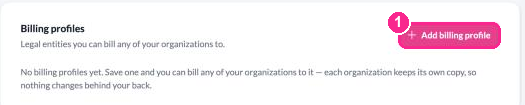
Add a billing profile with your company details. See How do I add a billing profile for my invoices?
Click Add billing profile (1) in your User Profile.
Still need help?
Our team is happy to help. ? Live Chat | ✉️ Contact Us