Quick Summary
This feature allows you to set manual conversion rates between Singapore Dollars (SGD) and other currencies for international orders. By navigating to Settings in the EasyParcel Shopify App, you can define these rates to ensure your product prices are accurately converted for customs declarations. This helps Singapore sellers avoid shipping delays, extra fees, or customs issues when sending parcels abroad.
Introduction:
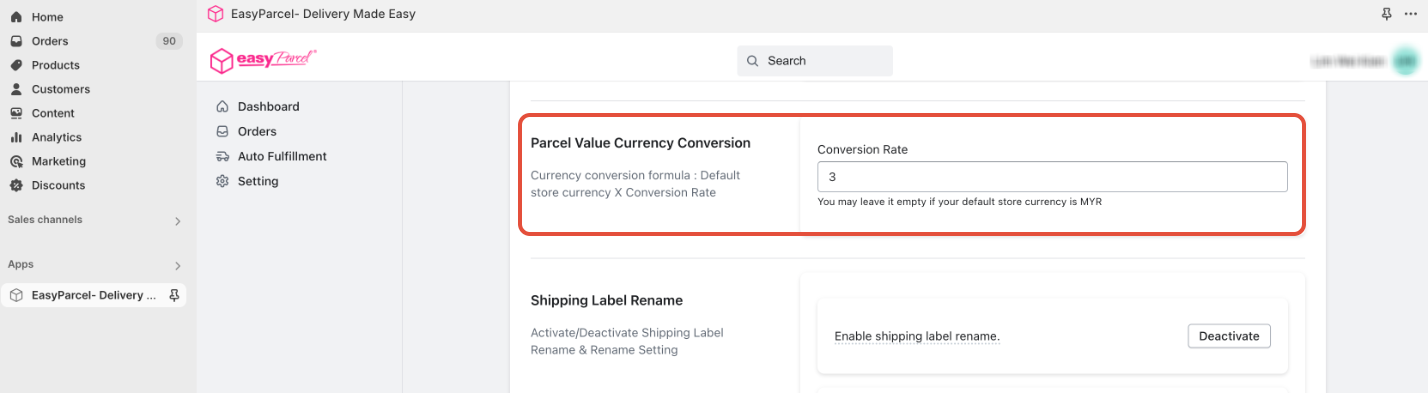
Parcel Value Currency Conversion allows you to set the conversion rate between different currencies, specifically when declaring the value of your parcels for international shipments. This feature enables you to accurately define how your product price in Singapore Dollars (SGD) converts to other currencies, ensuring accurate customs declarations and avoiding potential issues with international shipping.
Why is Parcel Value Currency Conversion Important?
- Accurate Customs Declarations: Customs authorities require accurate parcel value declarations in the destination country's currency. This feature ensures your declarations are correct.
- Avoid Delays and Fees: Incorrect currency conversions can lead to customs delays, additional fees, or even parcel seizures.
- Consistency: Maintains consistency between your Shopify product prices and the declared value for international shipments.
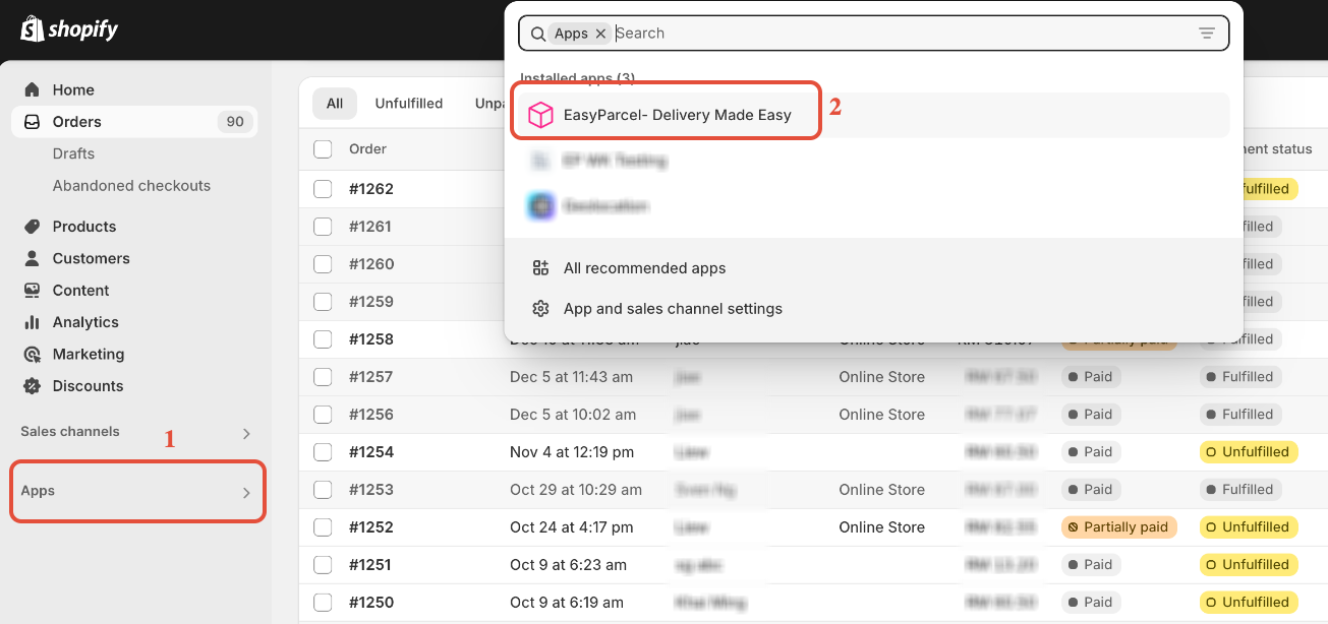
Step 1: Access the EasyParcel's Shopify App
In your Shopify admin, click on "Apps" and select the "EasyParcel- Delivery Made Easy" Shopify APP.
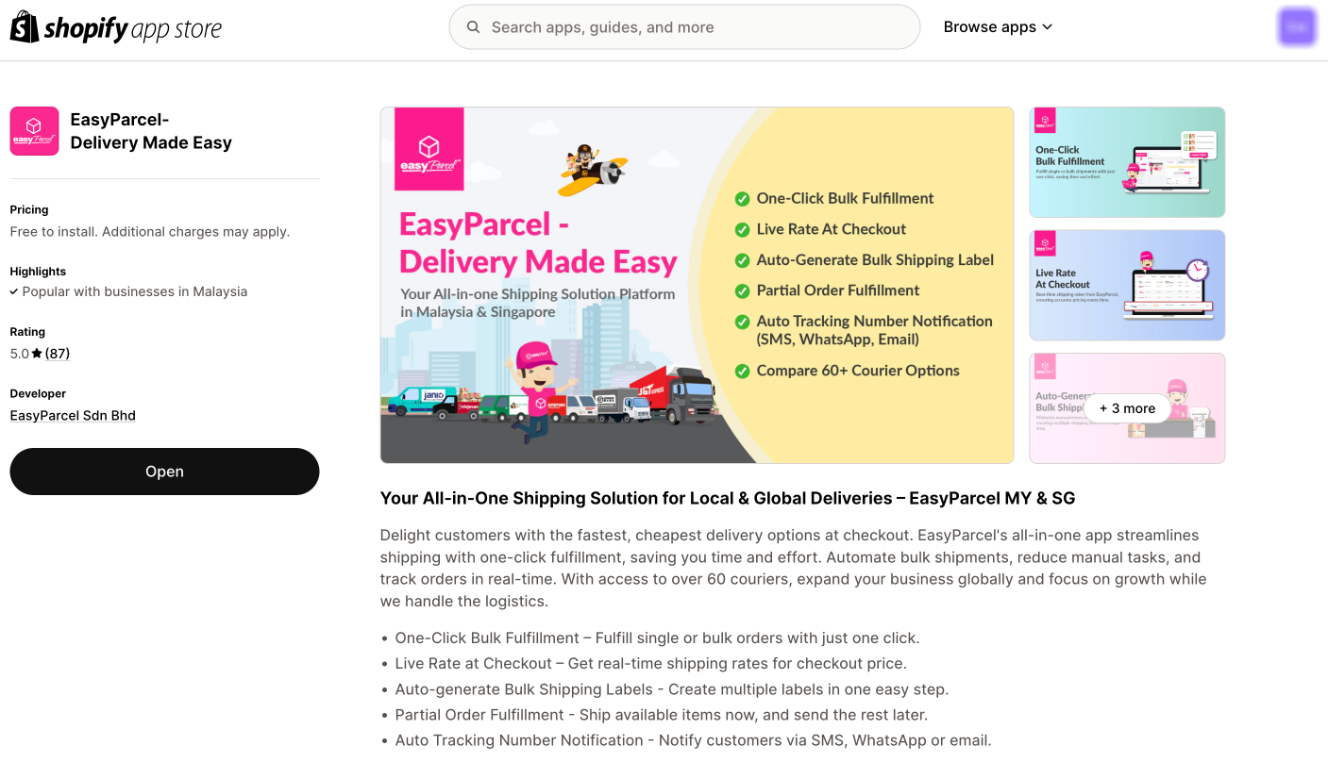
- Note: If you haven't installed the EasyParcel Shopify app, learn how to integrate with EasyParcel here.
Step 2: Set the Parcel Value Currency Conversion
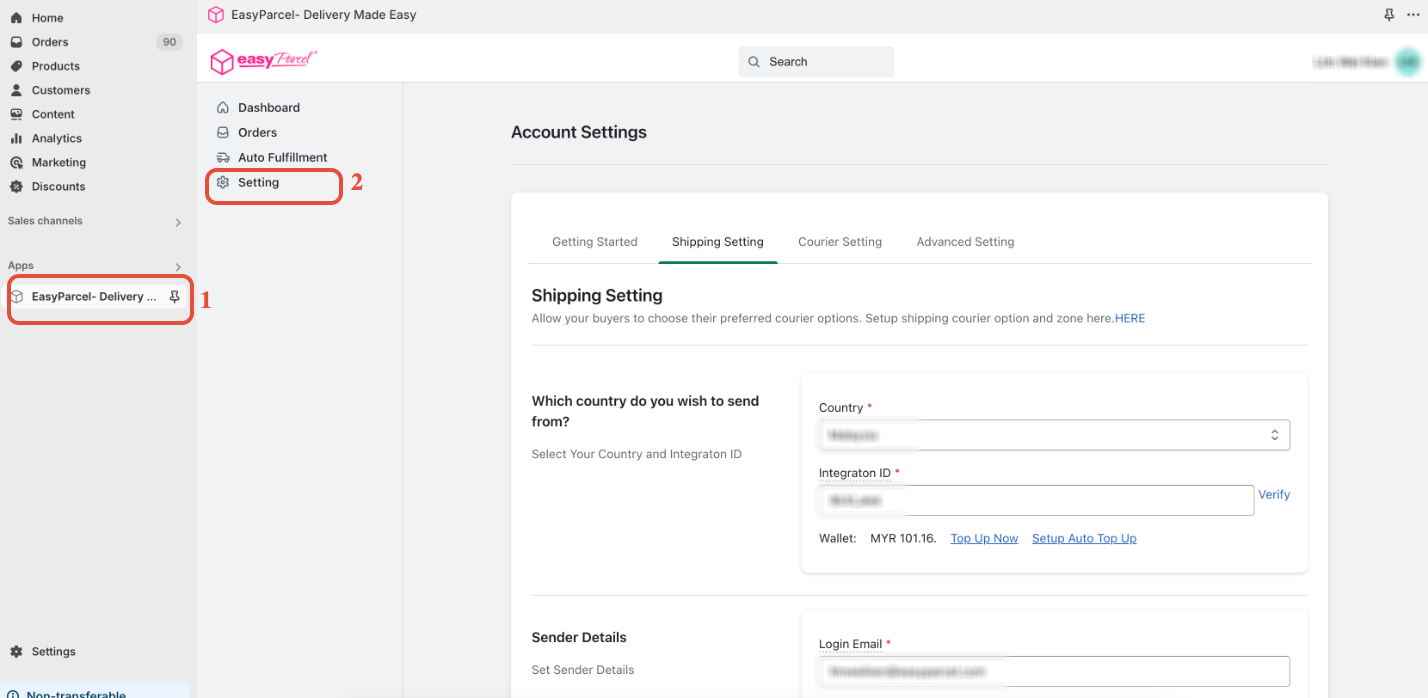
Click on "Settings" within the EasyParcel Shopify app. Scroll down to the "Parcel Value Currency Conversion" section and fill in the "Conversion Rate" you want.