
Quick Summary
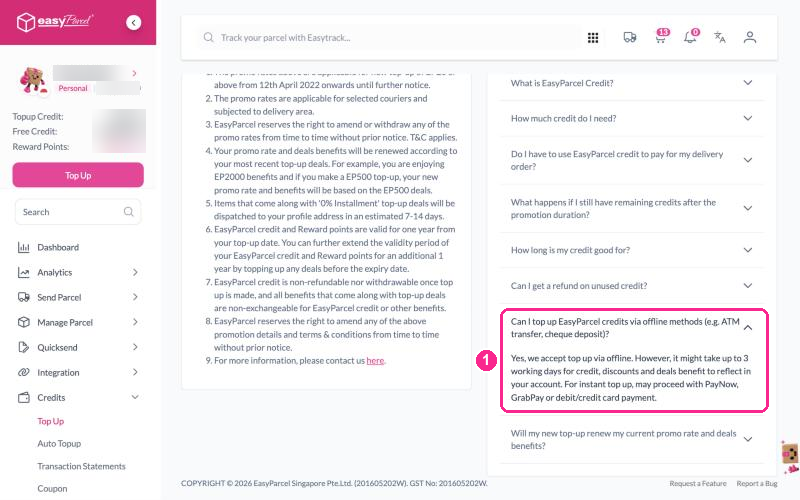
Yes, you can top up by bank transfer. Choose Offline Payment, transfer the amount to the bank account shown, and your credit and deal benefits appear within 1 to 3 working days. For instant credit, pay with PayNow, GrabPay or a debit/credit card.
We'll Cover:
Steps
- On the Top Up page, click Get It Now on the deal you want.
- In the Payment Method window, choose Offline Payment.
- Transfer the amount of the deal to the bank account shown under Banking Details.
- Your credit and deal benefits appear within 1 to 3 working days.
The FAQ on the Top Up page explains it: Can I top up EasyParcel credits via offline methods (1).
Bank details
These are the Banking Details shown in the Payment Method window:
| Company Name | EASYPARCEL SINGAPORE PTE LTD |
|---|---|
| Bank Code | 7339 |
| Branch Code | 695 |
| Branch Name | OCBC North Branch |
| Account No | 695539403001 |
Always check these details against the Banking Details in your own Payment Method window before you transfer.
Where this is explained in the app?
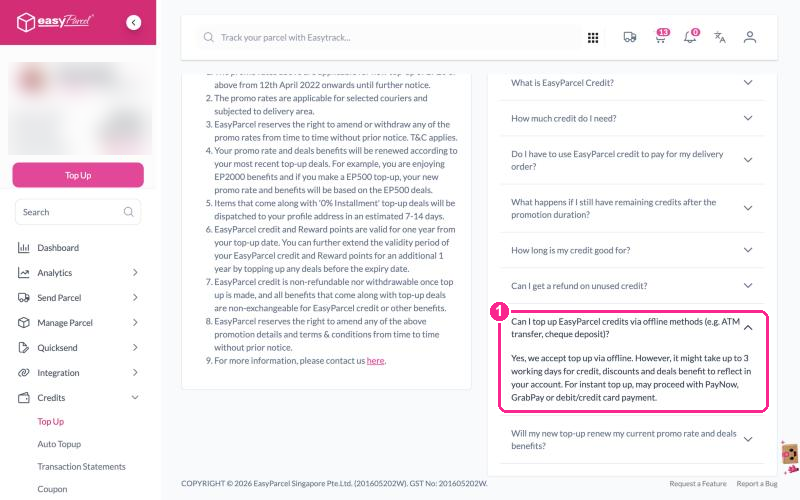
On the Top Up page, scroll to the FAQ and open Can I top up EasyParcel credits via offline methods? (1).
Need it now?
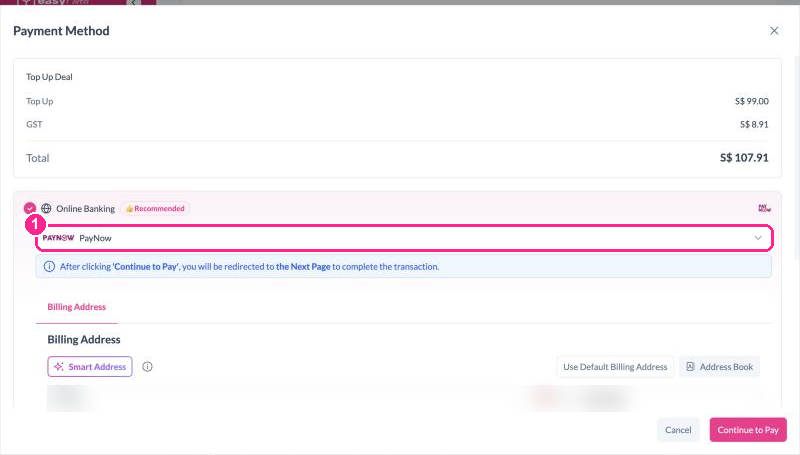
Top up online with PayNow, GrabPay or card. Your credit is added straight away.
Choose the payment method (1), for example PayNow.
What's next?
Still need help?
Our team is happy to help. ? Live Chat | ✉️ Contact Us