
Quick Summary
Register on the Developer Hub, complete your profile and create an app. Then copy the app's client ID and client secret. You use them to sign in with OAuth 2.0.
We'll Cover:
- Create a developer account
- Complete your profile
- Create an app
- What is a redirect URI?
- Get your client ID and secret
- Keep them safe
Create a developer account
- Open the EasyParcel Developer Hub.
- Log in, or click Sign Up.
- Fill in your full name, email, password, company name and contact number. The password needs at least 8 characters with numbers and special characters.
- Accept the Terms of Service and Privacy Policy, then click Create Account.
- Click the link in the email EasyParcel sends you to verify your address.
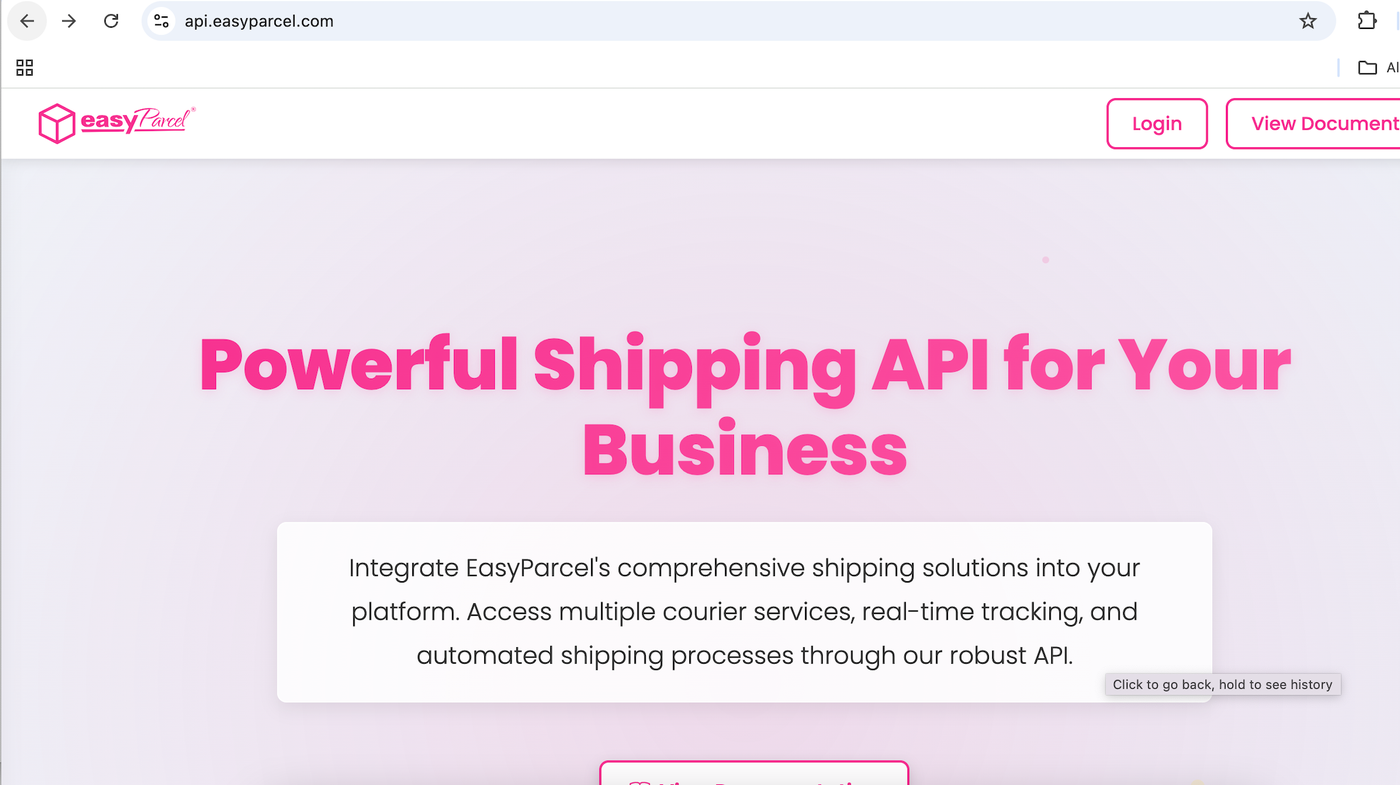
The Developer Hub home page.
Complete your profile
After you verify your email and log in, open Account Settings and fill in your developer profile:
- Basic information: account name (usually your company name) and website.
- Contact information: contact email, phone number with country code and address. EasyParcel uses this to contact you about your account.
- Emergency developer contact: an email for urgent technical issues.
Create an app
- In the Developer Hub, click Apps.
- Click Create New App.
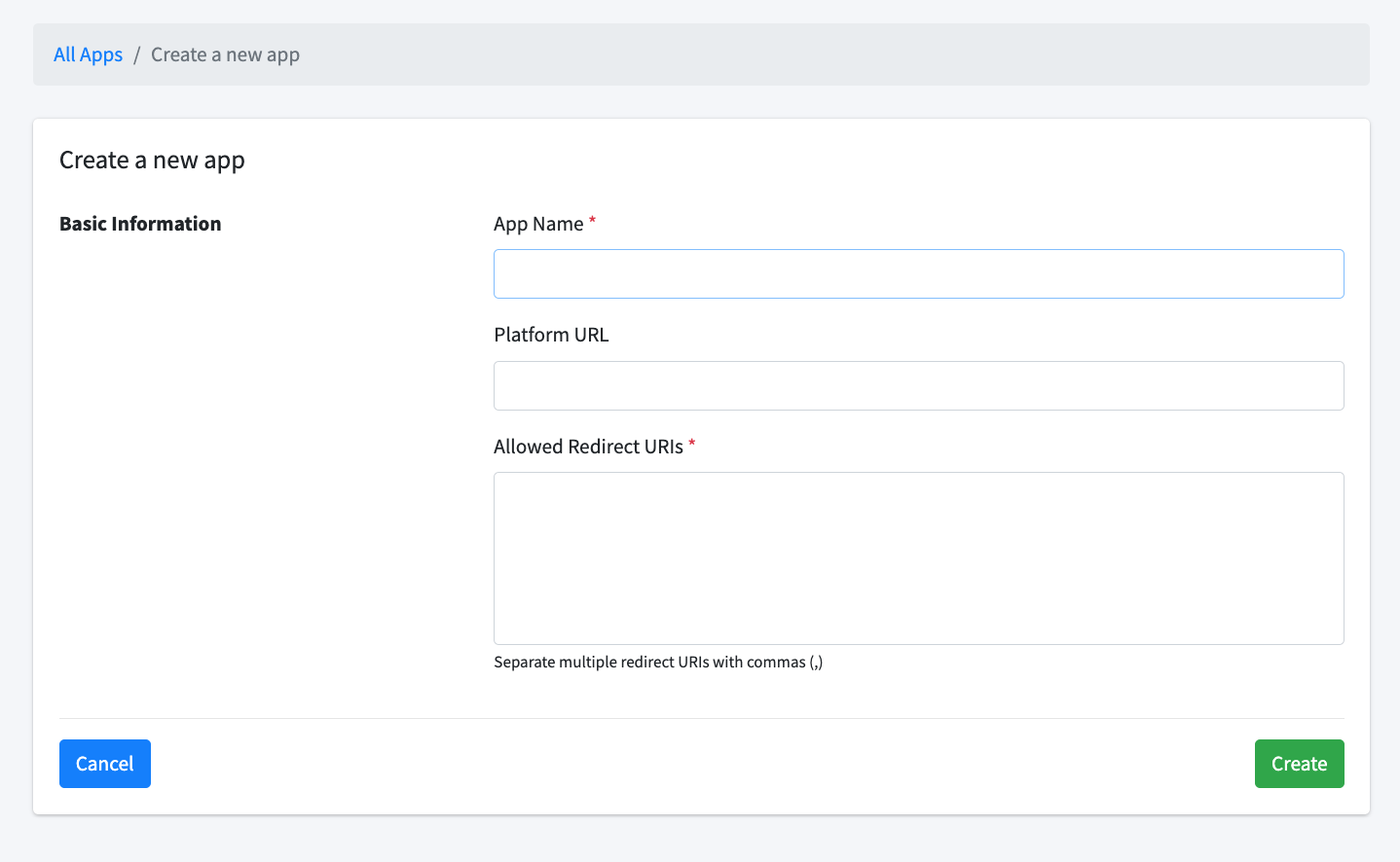
- Enter the App Name and, if you have one, the Platform URL.
- Enter at least one Allowed Redirect URI. Separate several addresses with commas.
- Click Create.
Click Create New App on the Apps List (red box).

Fill in the app details and click Create.
What is a redirect URI?
It is the address in your app where EasyParcel sends the user after they sign in. You must register it first, so sign-in codes only go to addresses you trust.
Get your client ID and secret
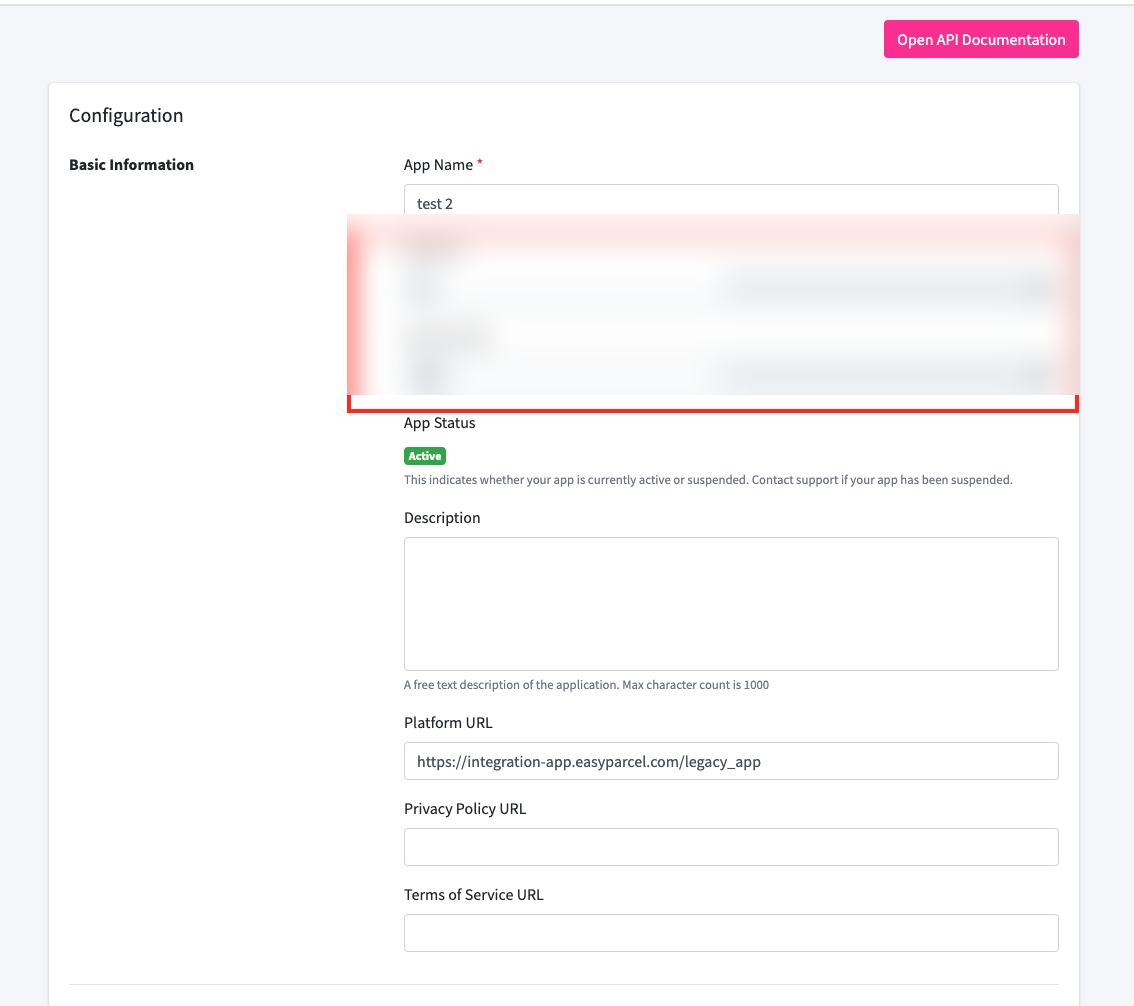
Open your app and its Configuration page. Copy the Client ID and the Client Secret. The page also shows the App Status (Active) and the Access Token Expiration in seconds (36000 in the example, which is 10 hours).
The Client ID and Client Secret are in the red box (hidden here).
Keep them safe
- Never share your client secret in public chats, code repositories or screenshots.
- Keep it on your server, not in a browser or mobile app.
- The same secret is used to check webhook signatures. See How do I get webhook updates from EasyParcel?.
What's next?
Still need help?
Our team is happy to help. ? Live Chat | ✉️ Contact Us