
Quick Summary
A few simple habits keep your account, credit and customer data safe.
We'll Cover:
Do
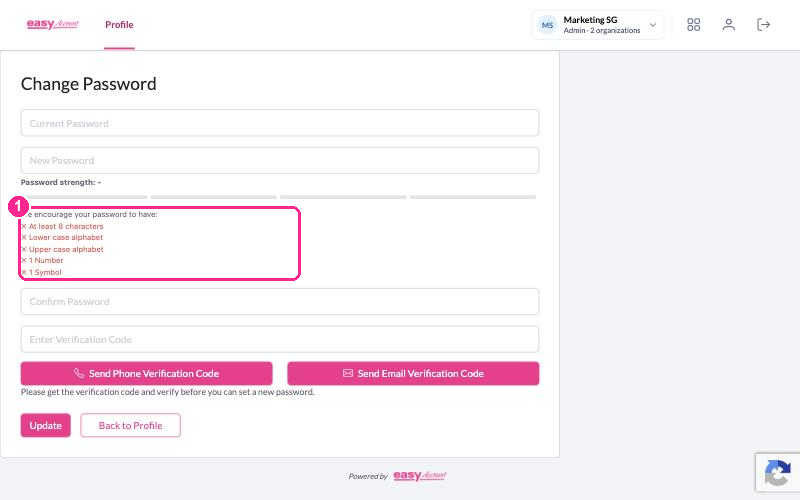
- Use a strong password: at least 8 characters with upper and lower case letters, a number and a symbol.
- Give each staff member their own login. Add them in Settings > Team Management and give them only the access they need.
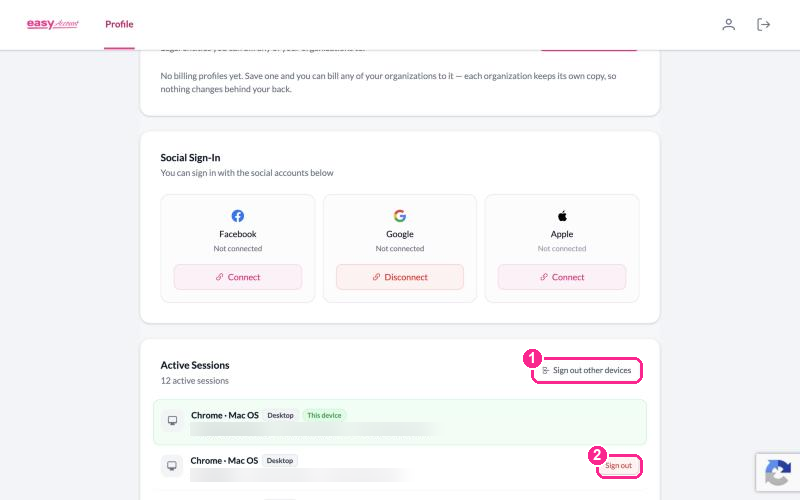
- Check your devices in User Profile > Active Sessions and sign out ones you don't know.
- Keep your email and phone number up to date, so verification codes reach you.
- Turn on Privacy Masking in Account Settings to hide names, phone numbers and addresses on your AWB.
When you change your password, the page shows the password rules (1).
Don't
- Don't share your password or verification code (OTP) with anyone. EasyParcel staff will never ask for them.
- Don't log in from links in unexpected emails or messages. Type app.easyparcel.com yourself.
- Don't stay logged in on shared computers.
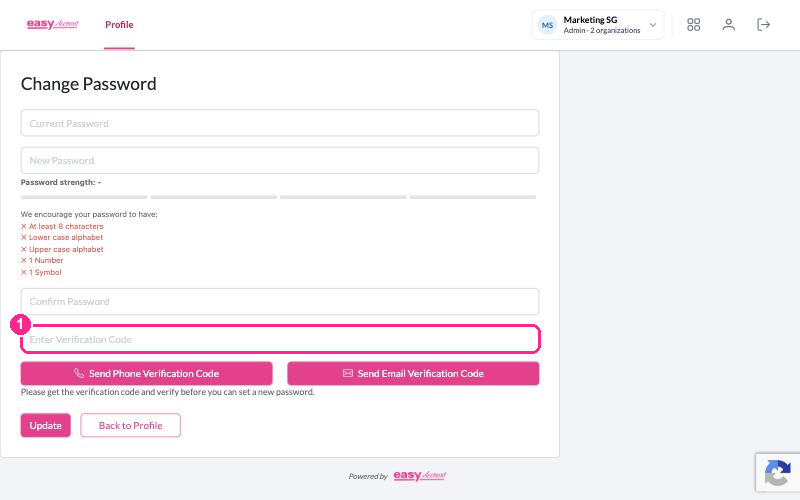
Never share the code you type in Enter Verification Code (1).
Think your account is not safe?
- Change your password.
- Sign out other devices.
- Contact our support team straight away.
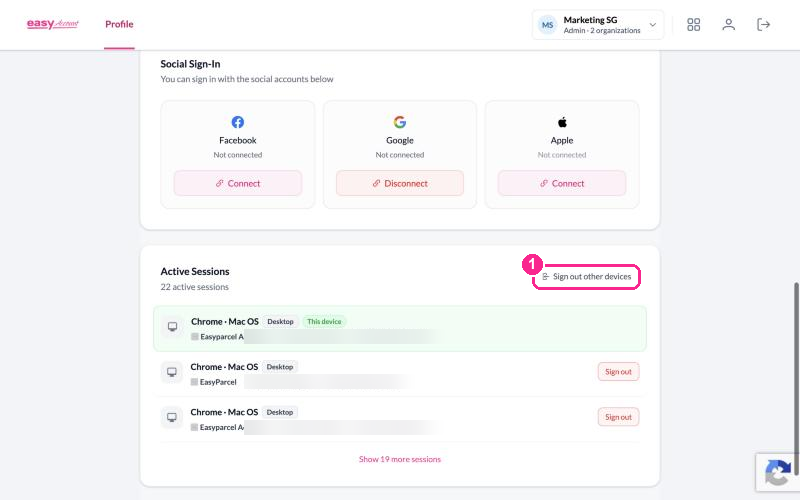
Click Sign out other devices (1).
In the app
Check your devices in User Profile > Active Sessions and sign out ones you don't know (2).
Still need help?
Our team is happy to help. ? Live Chat | ✉️ Contact Us