
Quick Summary
To withdraw your Cash on Delivery (COD) settlement on EasyParcel SG, you must complete an identity verification process. You will need your NRIC (front and back) and a mobile device to scan the verification QR code found on the "COD Settlement" page. The process involves taking clear photos of your ID in natural lighting to ensure all details are legible. This mandatory security step ensures that collected funds are safely and accurately released to the correct account holder.
What do you need to verify your account?
In order to verify your account, you'll need to prepare your NRIC and find a place with natural lighting to take photos of it.
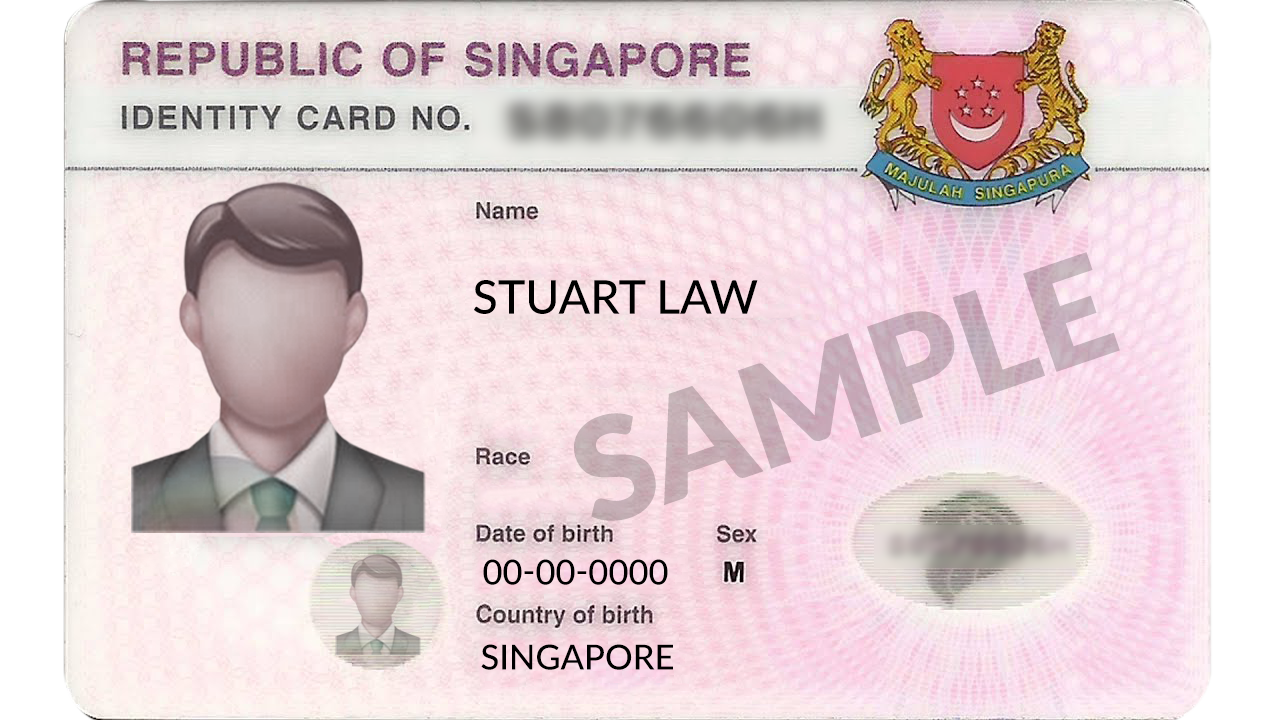
How to verify your account?
Step 1: Go to "Cash On Delivery" click "COD Settlement" and scan the QR code on the top right using phone.

Step 2: You will be prompted to log in to your EasyParcel account.

Step 3: Once logged in, you may read the reminder given, then click on "Let's Get Started"

Step 4: Click on the space to start taking photos of your NRIC (front and back).
Note: Make sure, the photos are clear and do not capture any lighting.
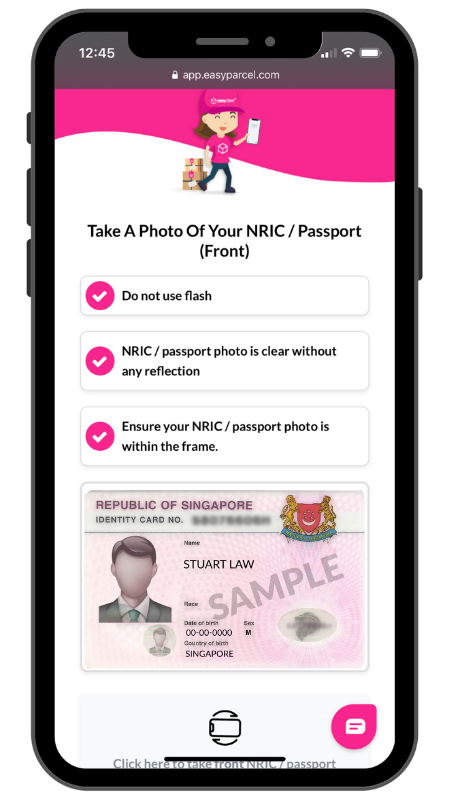
Step 5: Continue to verify your account.
Note: All information given will be kept secure and confidential.