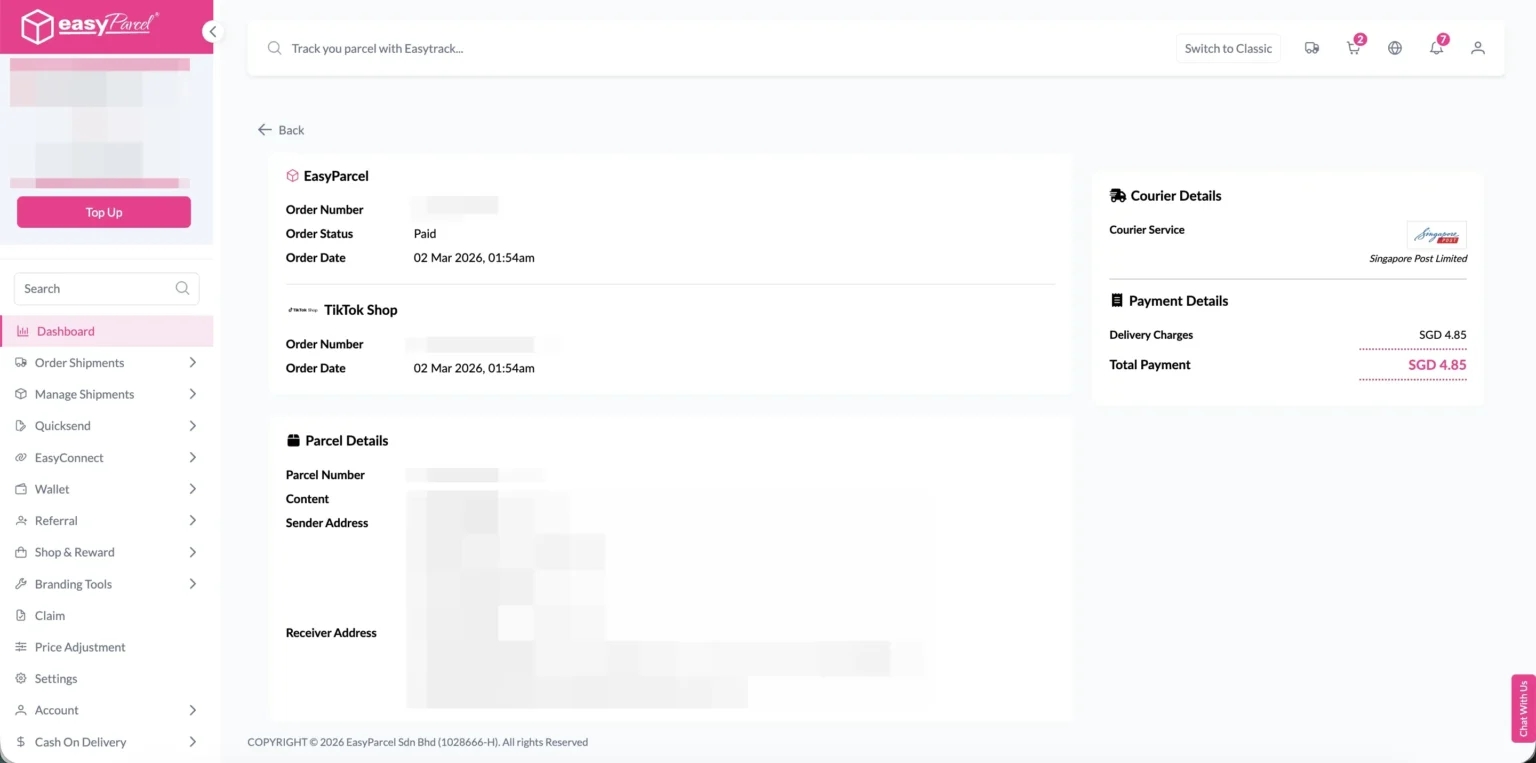
Quick Summary
To fulfill TikTok orders, you must first enable Seller Own Fleet (SOF) in your TikTok Shop Seller Center. For TikTok Shop Sellers, export your orders from TikTok and import them into the EasyParcel dashboard (individually or in bulk) to book couriers. For TikTok Content Creators, you can integrate TikTok via Integrations > Add New Store to generate a direct checkout link for buyers. Once fulfilled, simply upload the tracking number back to TikTok to notify your customers. This solution offers Singapore sellers flexible, affordable courier options for both shop and affiliate-driven sales.
If you're selling on TikTok in Singapore, EasyParcel offers an affordable and flexible delivery method. Whether you're a TikTok Shop Seller or a TikTok Content Creator with your storefront, this guide is for you.
How to Import and Fulfill TikTok Shop Orders by Using EasyParcel?
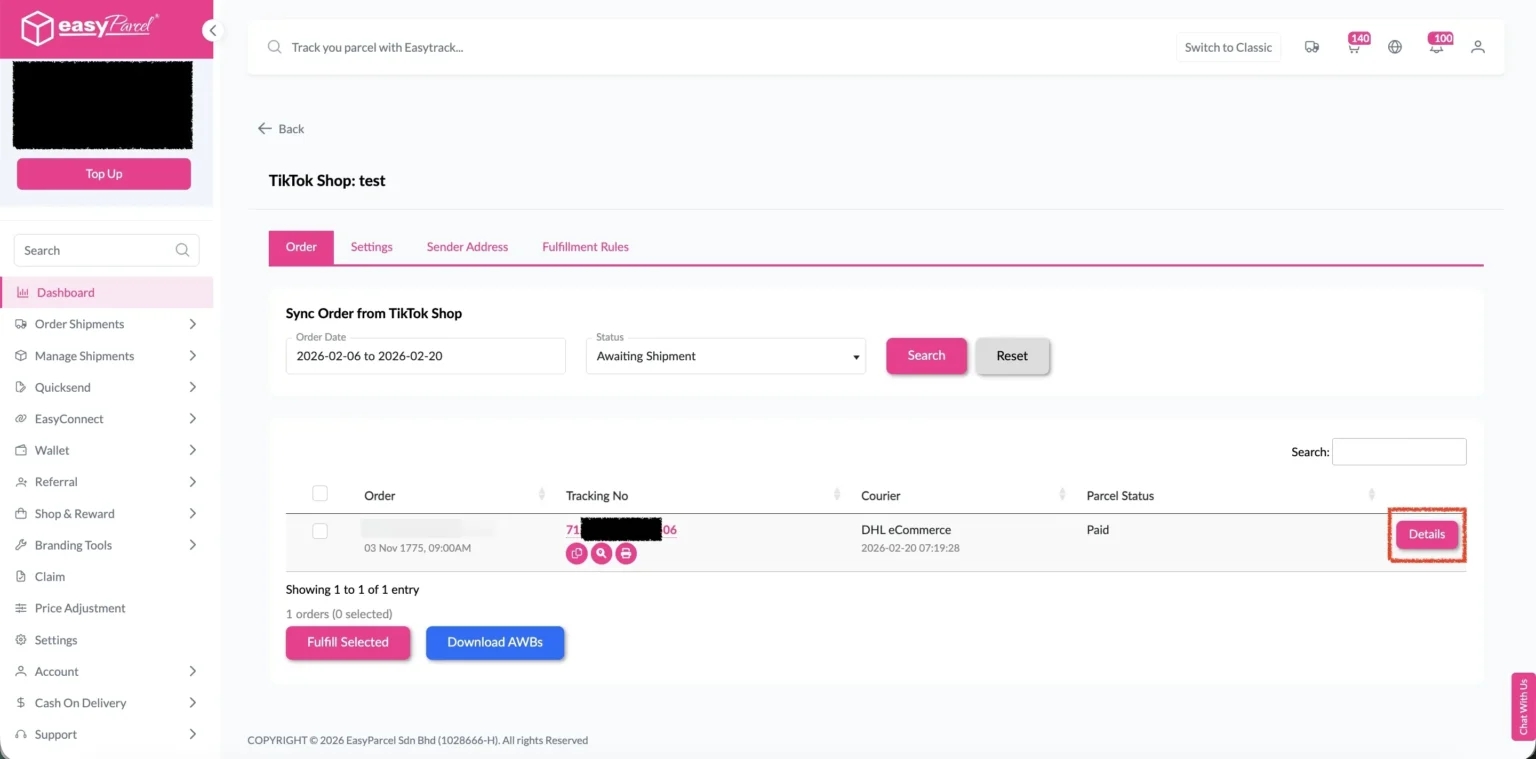
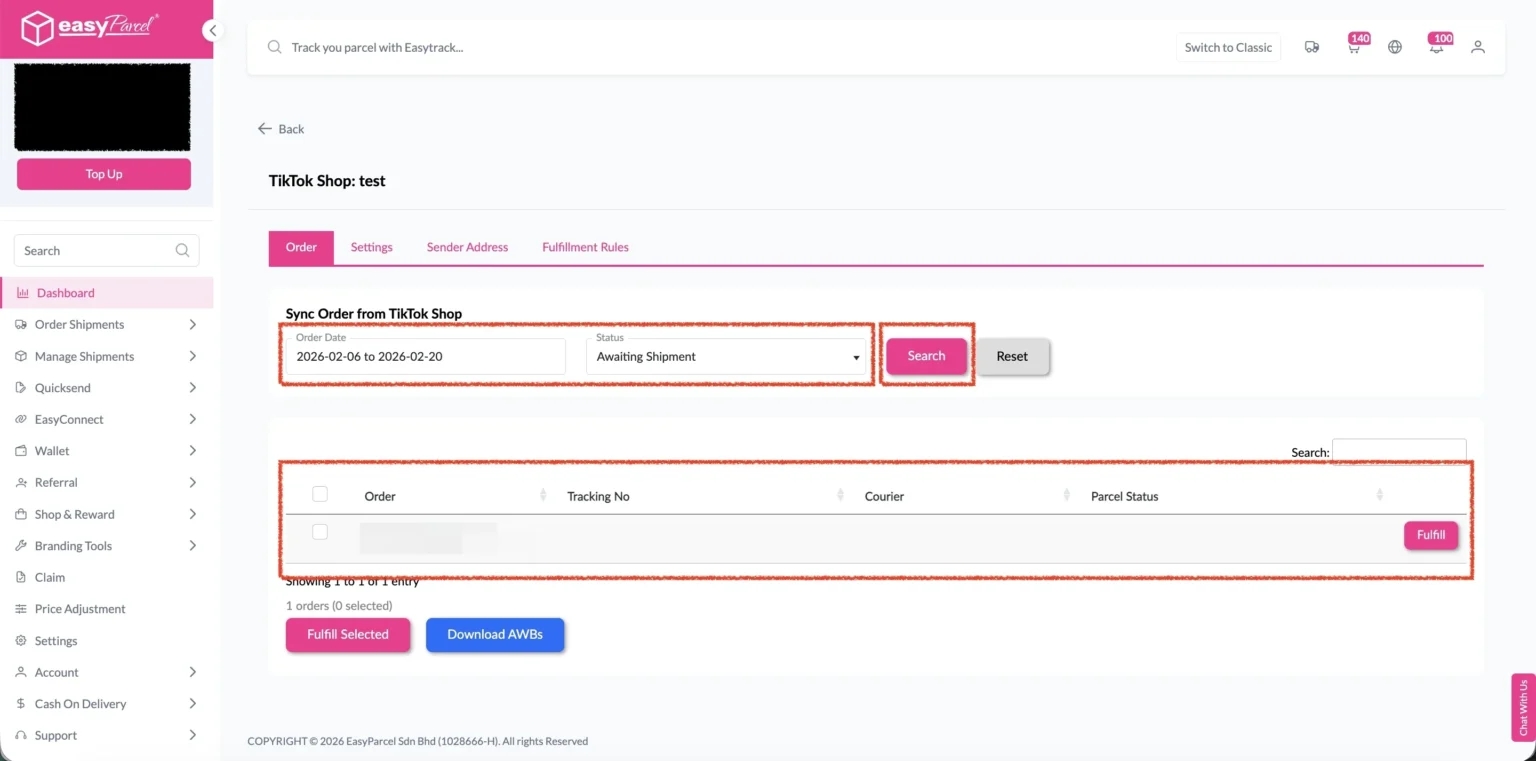
Click on “Order“, select the order date and order status and click on the “Search” button.
The order will be imported and shown in the list below.
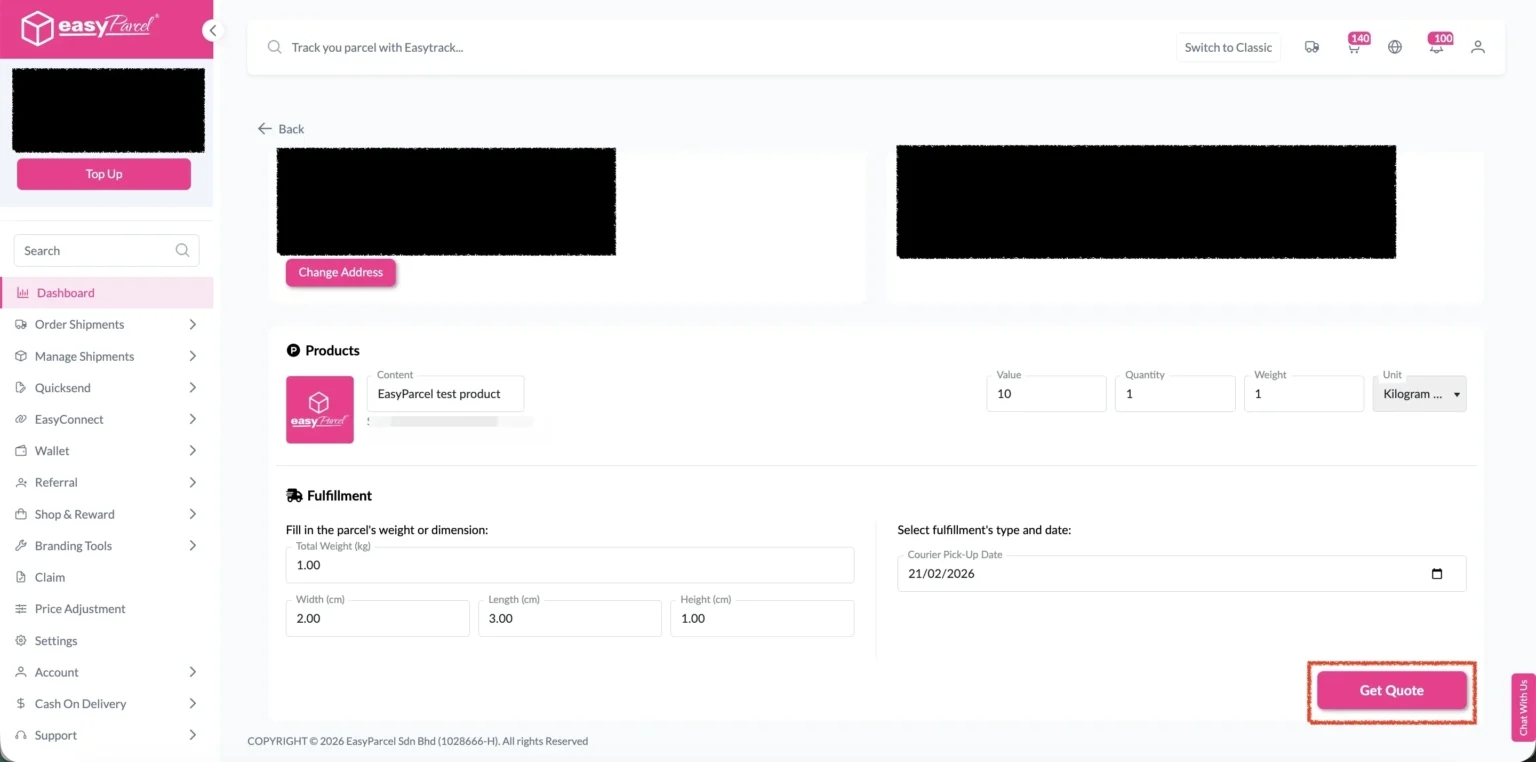
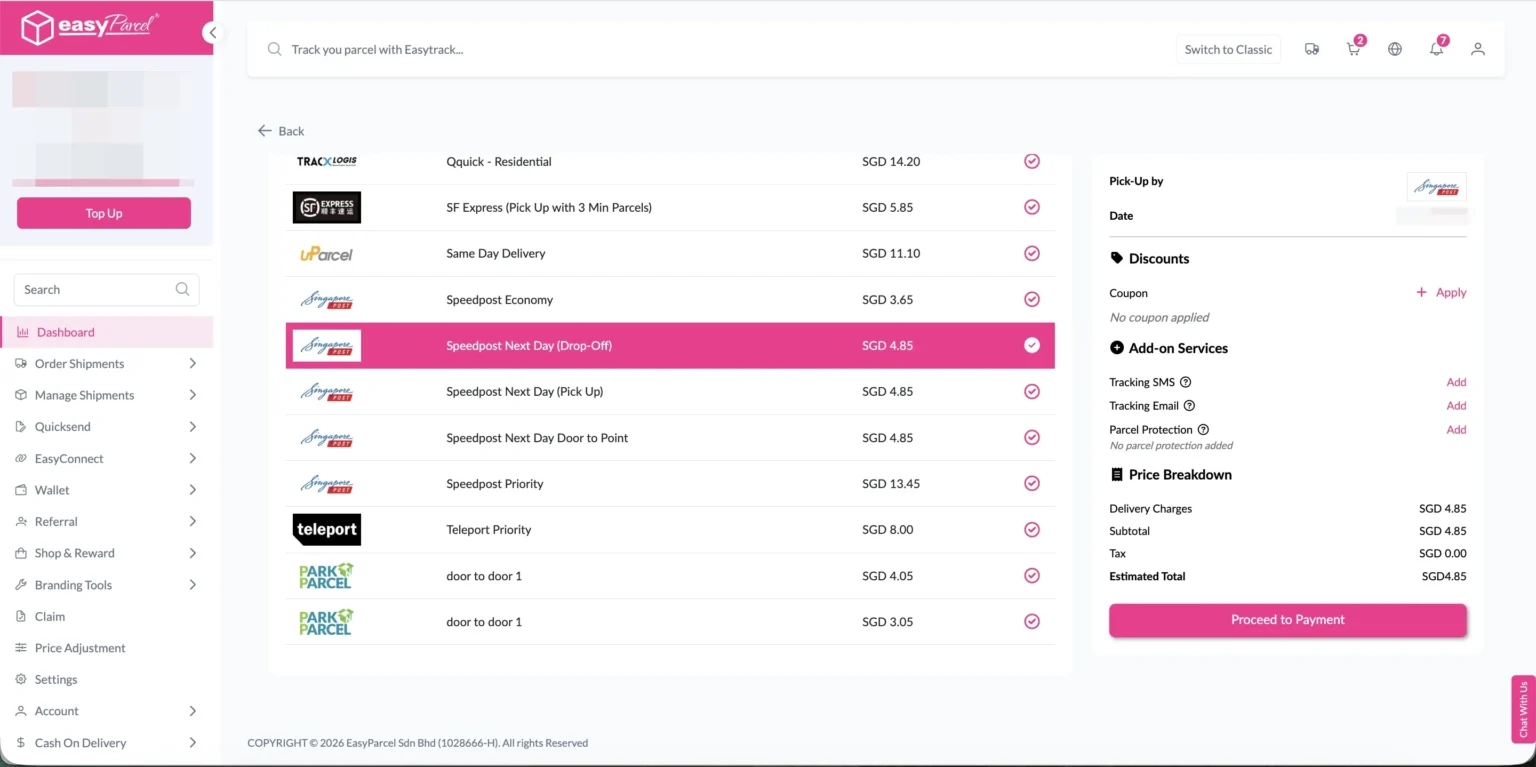
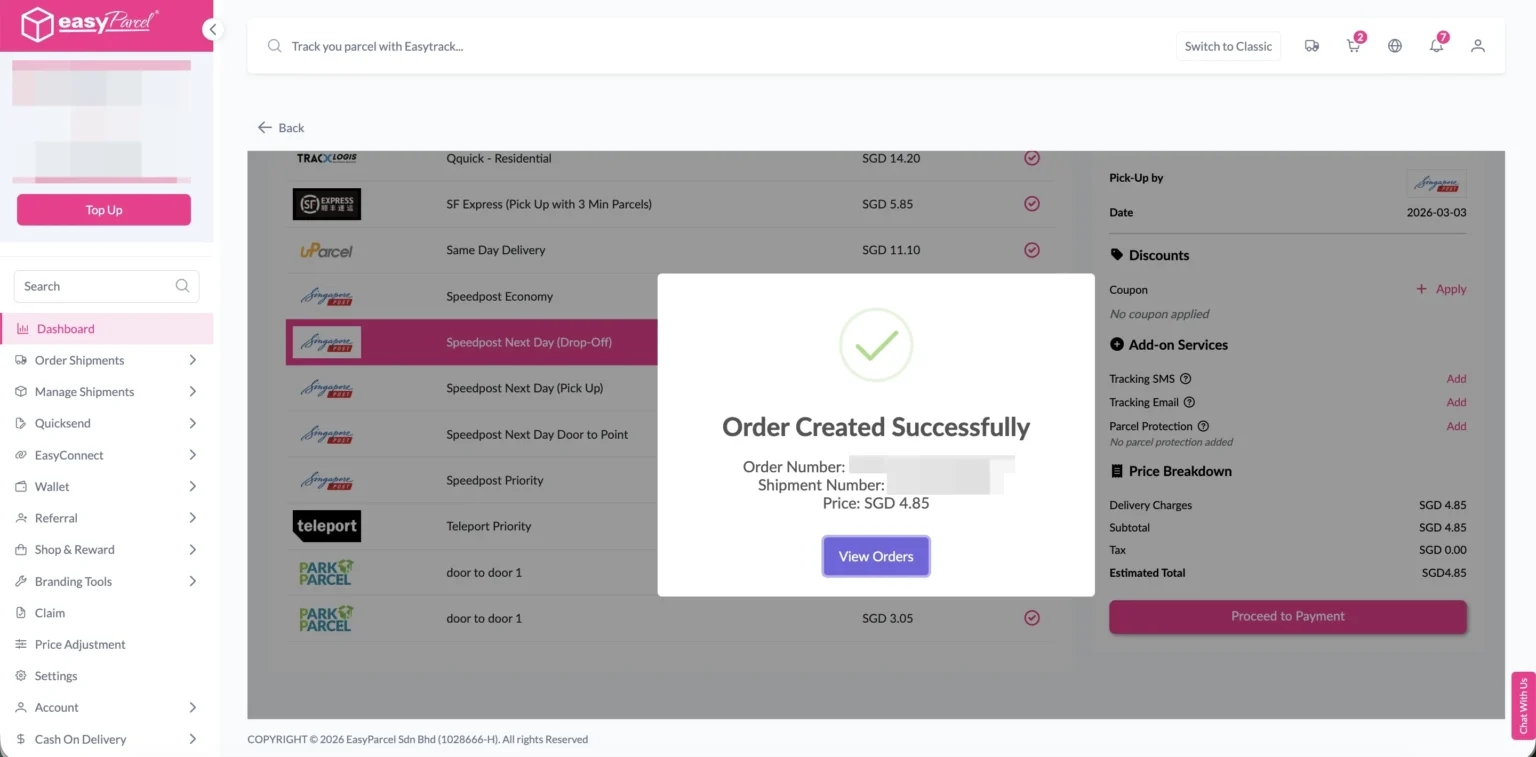
Then, click the “Fulfill” button on the order you want to fulfill.
Note: To receive complete and unmasked order details, the order should not be in following status:
- UNPAID
- ON_HOLD
- CANCELLED
- 30 days after COMPLETED