
Quick Summary
To integrate EasyStore with EasyParcel SG, go to Integrations > Add New Store in your EasyParcel account, select EasyStore, and submit your store URL to get an Integration ID. Next, install the EasyParcel Singapore app from the EasyStore App Store, paste your ID into the settings, and click Save. This setup enables live courier rates at checkout and automated order processing for your Singapore-based business.
1. Introduction
If you’re looking to integrate EasyParcel with your EasyStore, this article provides a comprehensive step-by-step guide to assist you through the process.
Why do you need to integrate with EasyParcel
✔️ Display rate of available courier services
Have a glance at multiple rates of courier services on your page.
✔️ Bulk orders fulfillment made easy
Handle and ship multiple orders in one go with your preferred couriers.
✔️ Customize shipping rates
Set personalized shipping rates to stay flexible and in control.
✔️ Automated tracking number notification
Keep your customers updated automatically with tracking details and reduce support inquiries.
2. Start integrating EasyParcel into EasyStore
Here are the steps to guide you on how to integrate your EasyParcel Apps in your EasyStore:
Before you begin, make sure you have an EasyParcel account.
→ New to EasyParcel? Sign up for free here.
→ Already have an account? Log in to get started here.
Step 1: Login to your EasyParcel account.
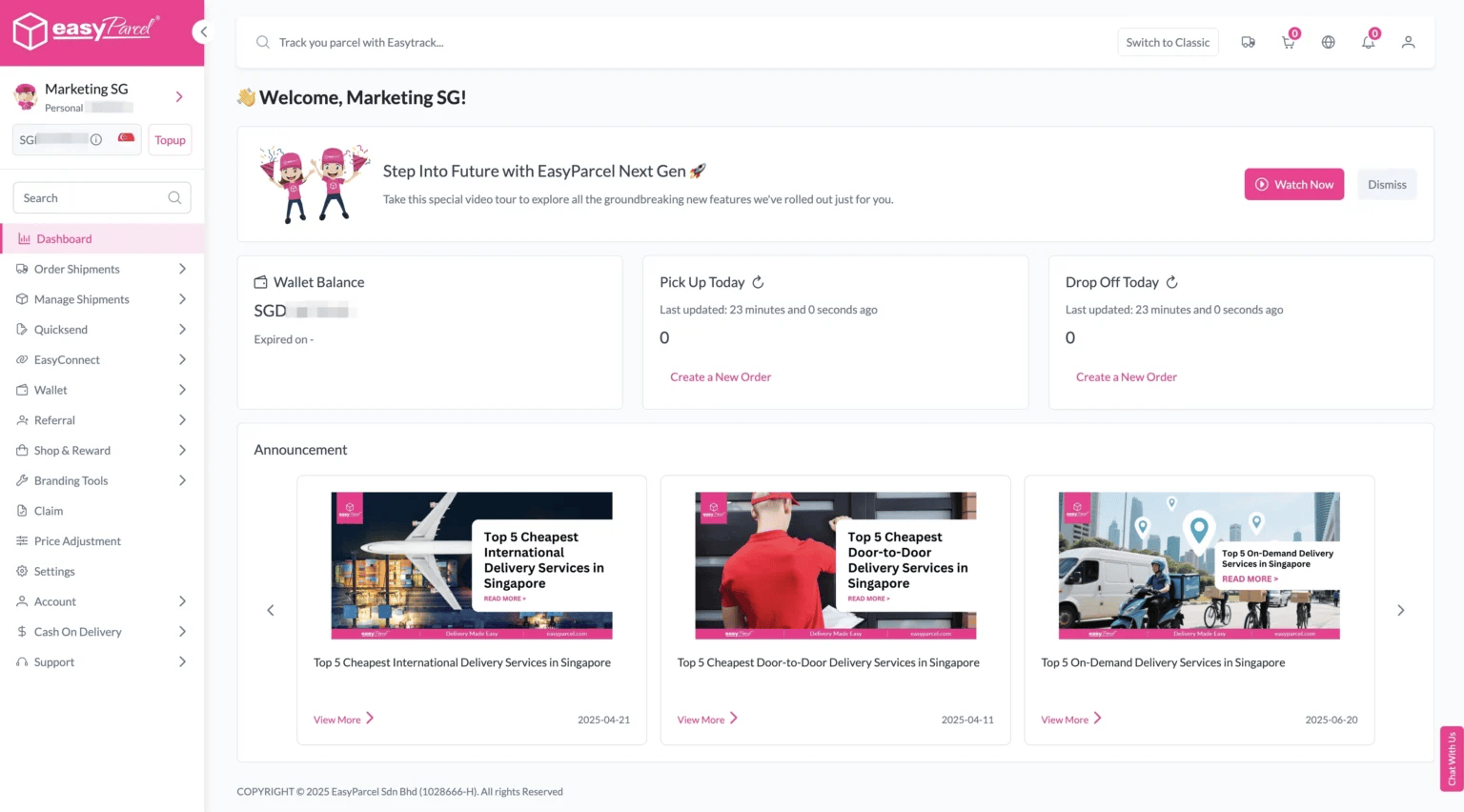
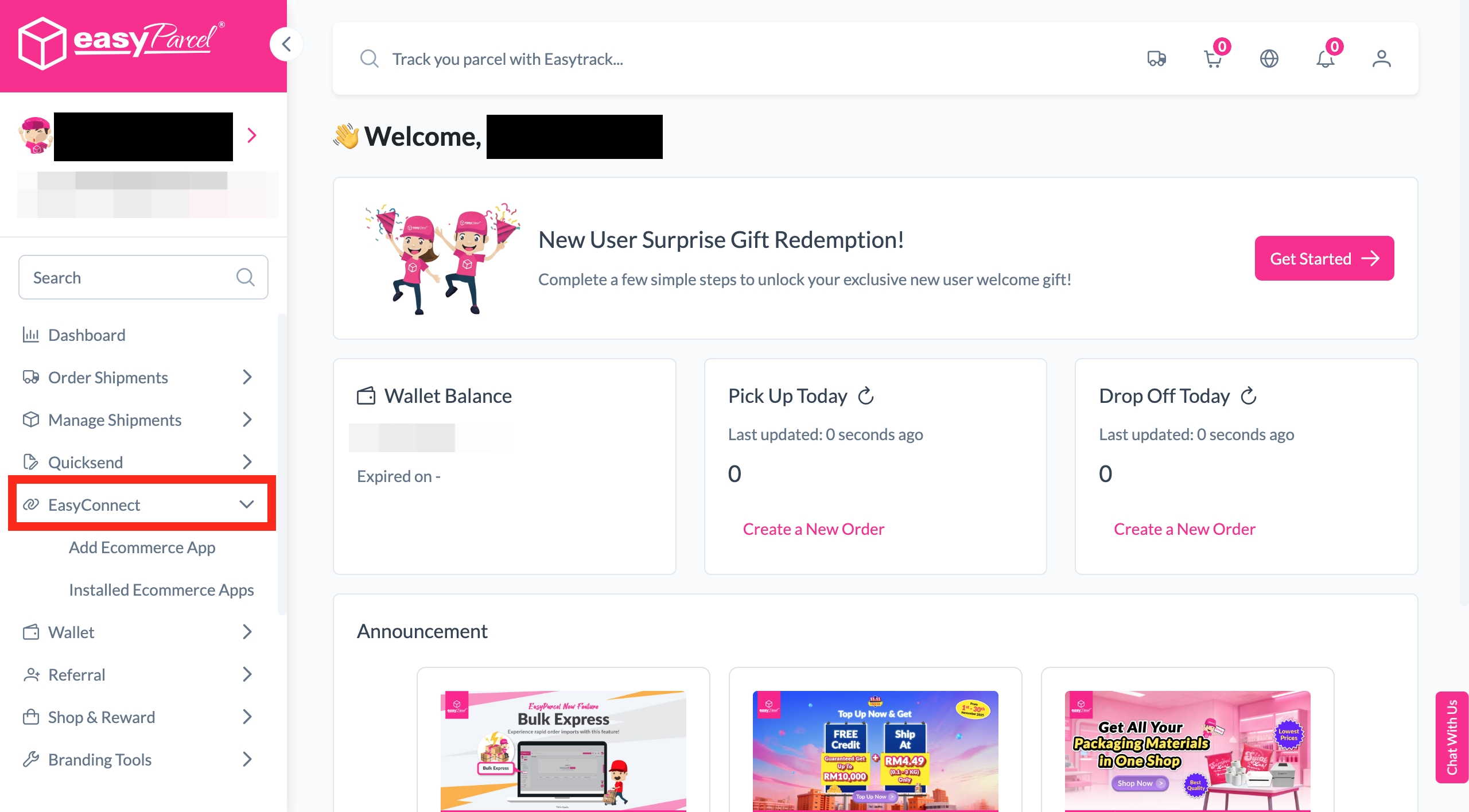
Step 2: Click ‘EasyConnect’.
Step 3: Click ‘Add Ecommerce App’. Find the ‘EasyStore’. After that, click ‘Install App’.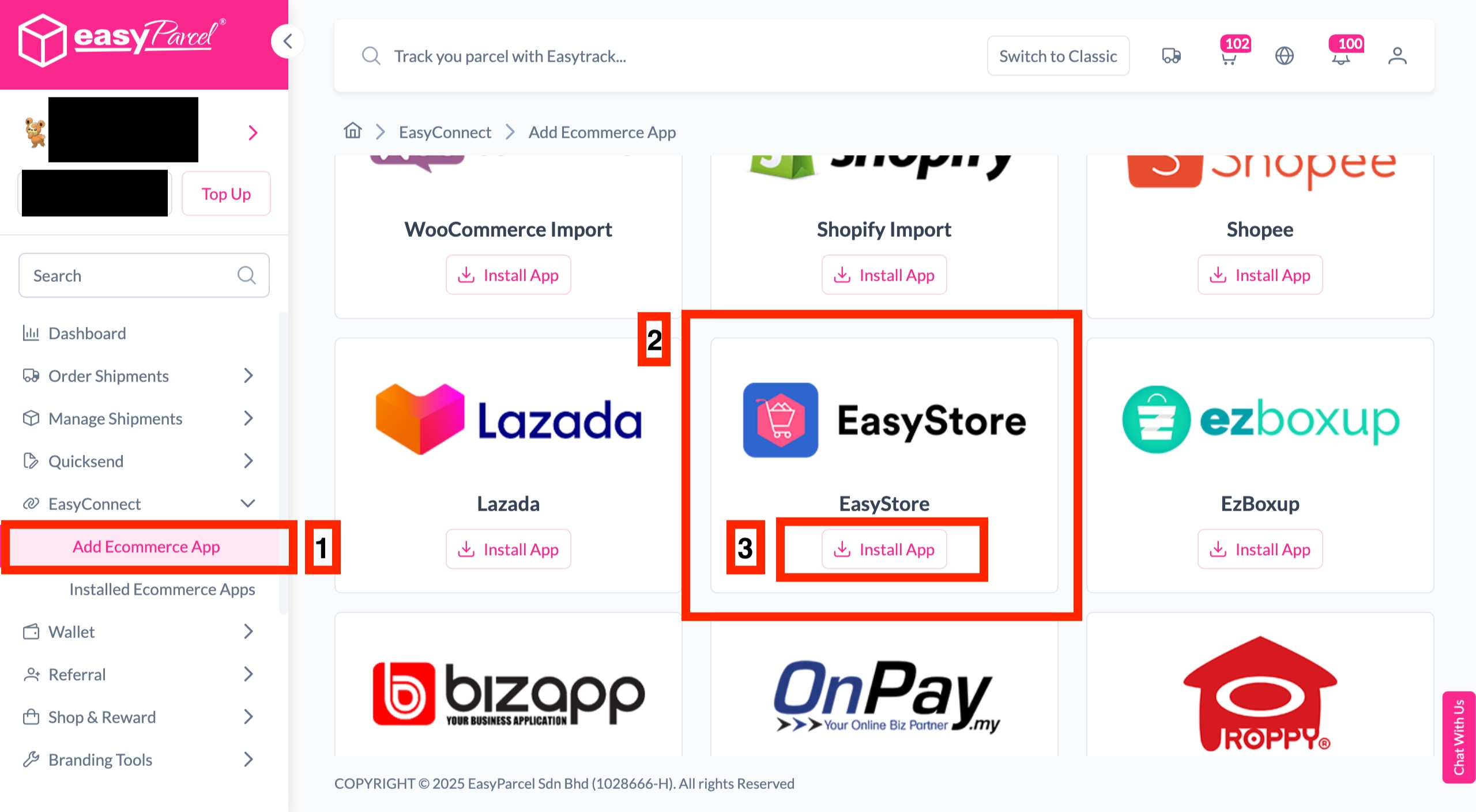
Step 4: Fill in the ‘Store name’ and ‘Store URL’. After that, click ‘Add’.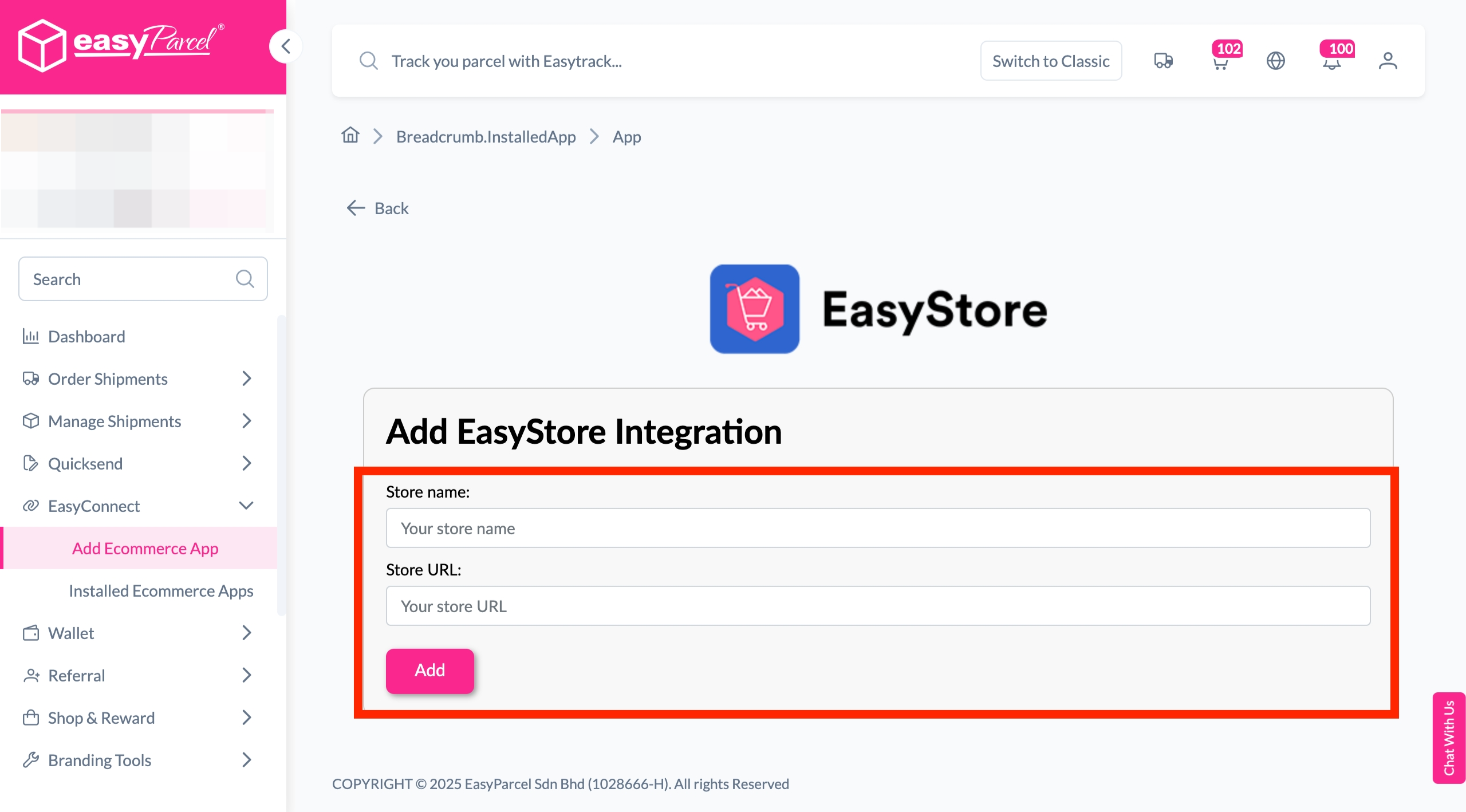
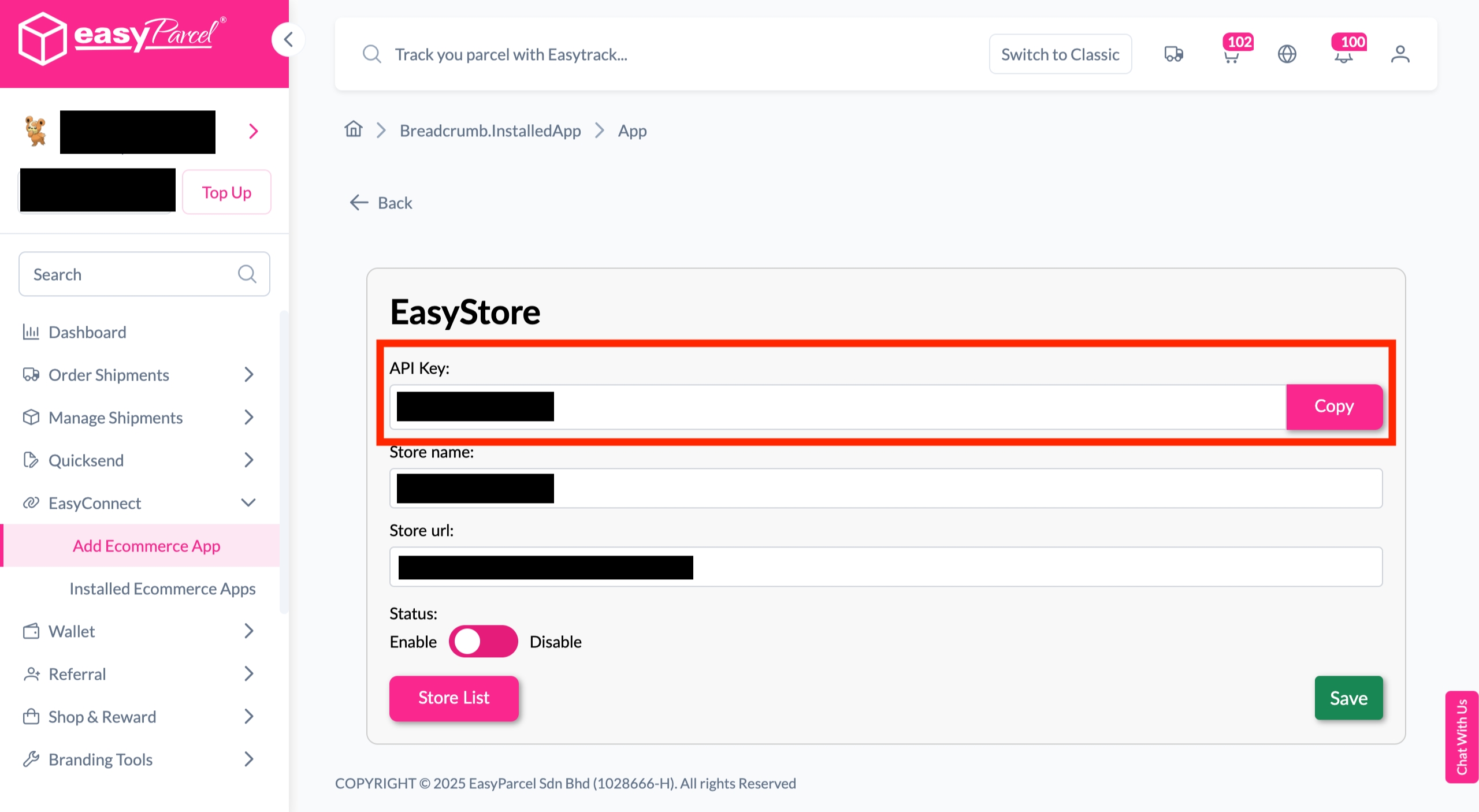
Step 5: Your store API key/Integration ID will be generated. Copy it to integrate with your store.
Step 6: Login to your EasyStore account.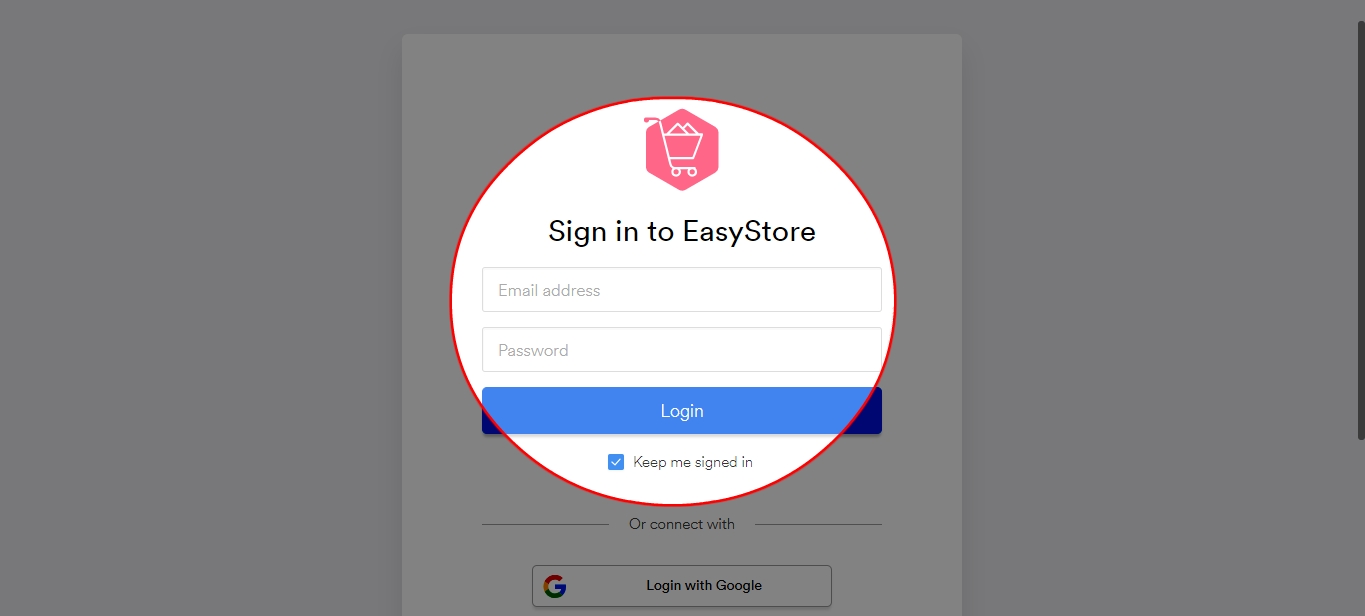
Step 7: Click ‘Apps’.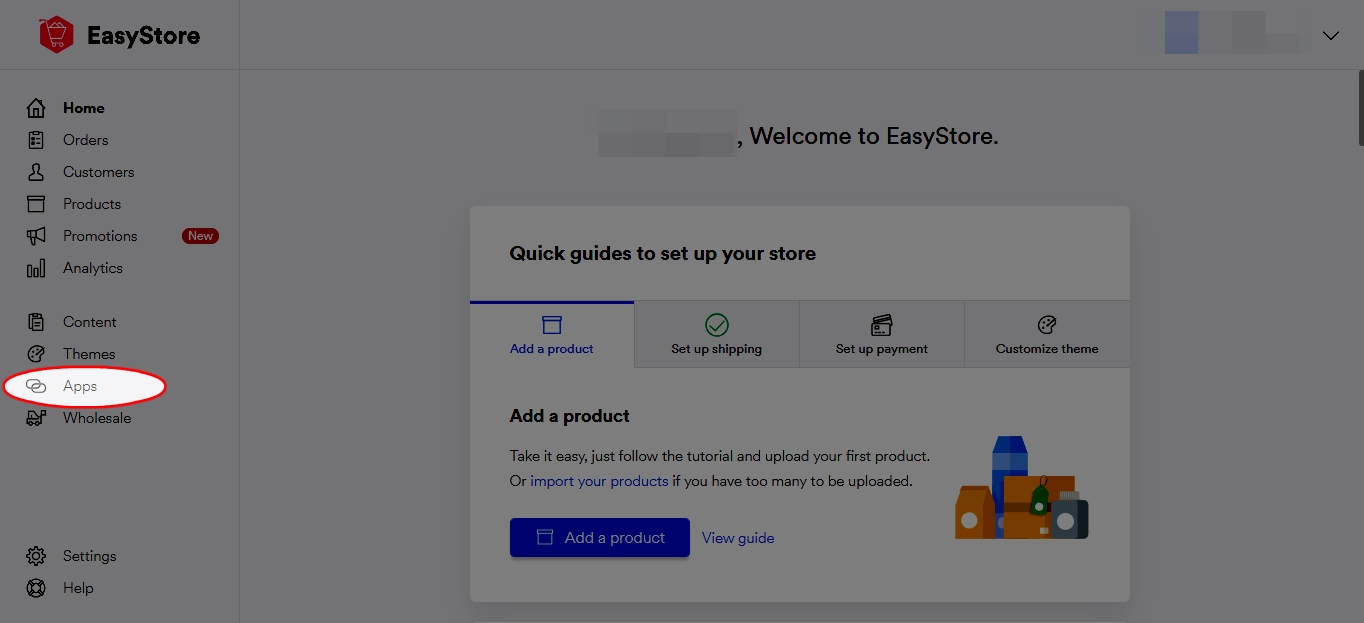
Step 8: Click ‘Browse more apps’.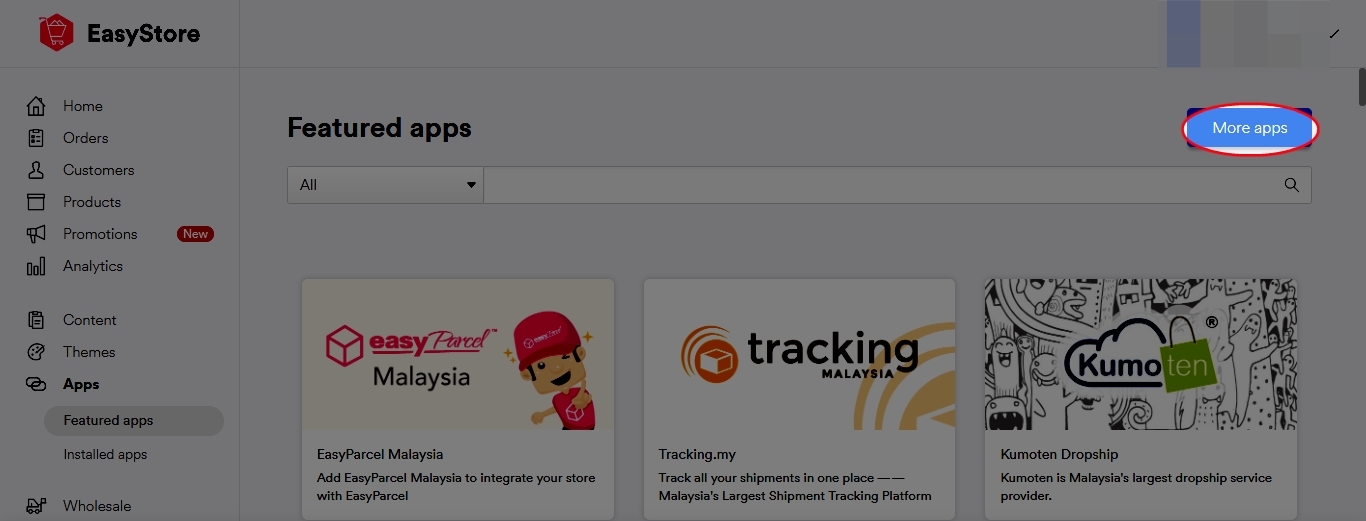
Step 9: Click ‘EasyParcel Singapore’.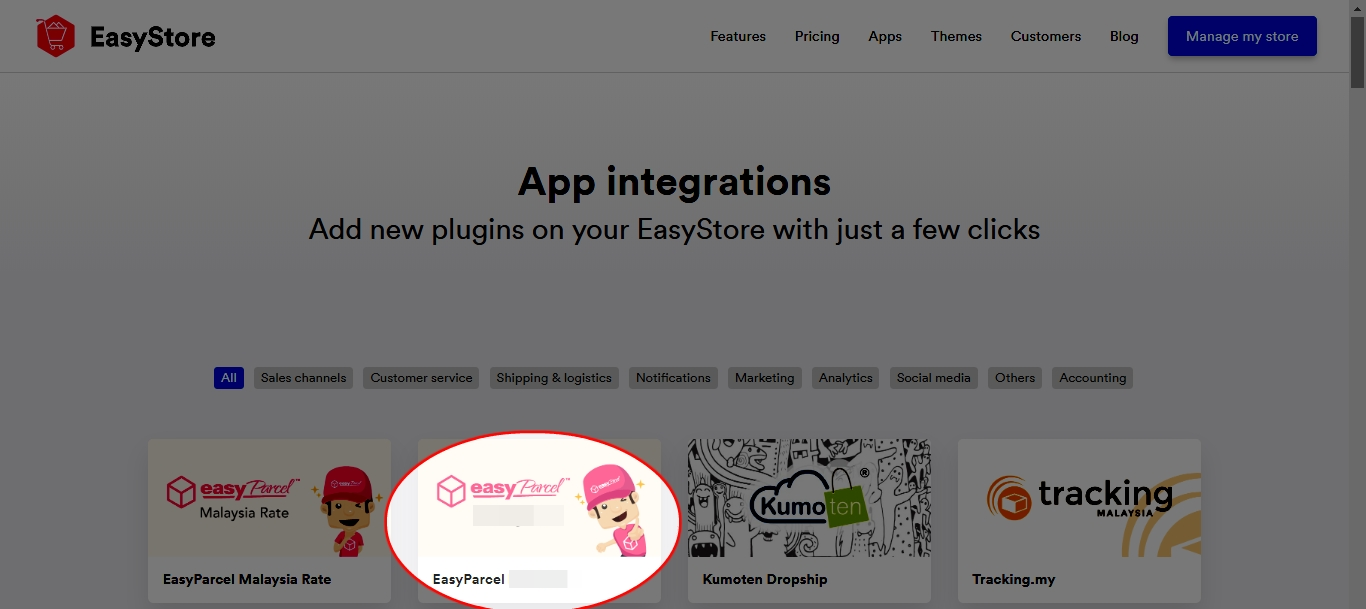
Step 10: Click ‘Install this app’.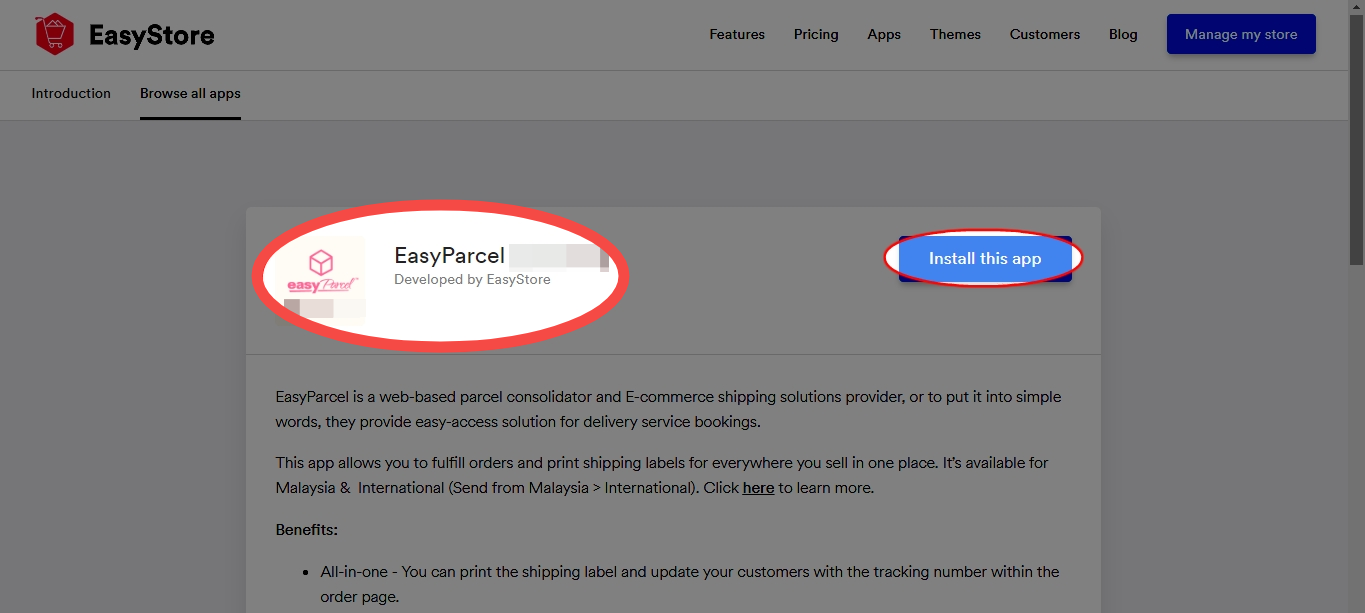
Step 11: Enter your API key (Integration ID) and origin address from which you ship the orders to the customer. Click ‘Save’.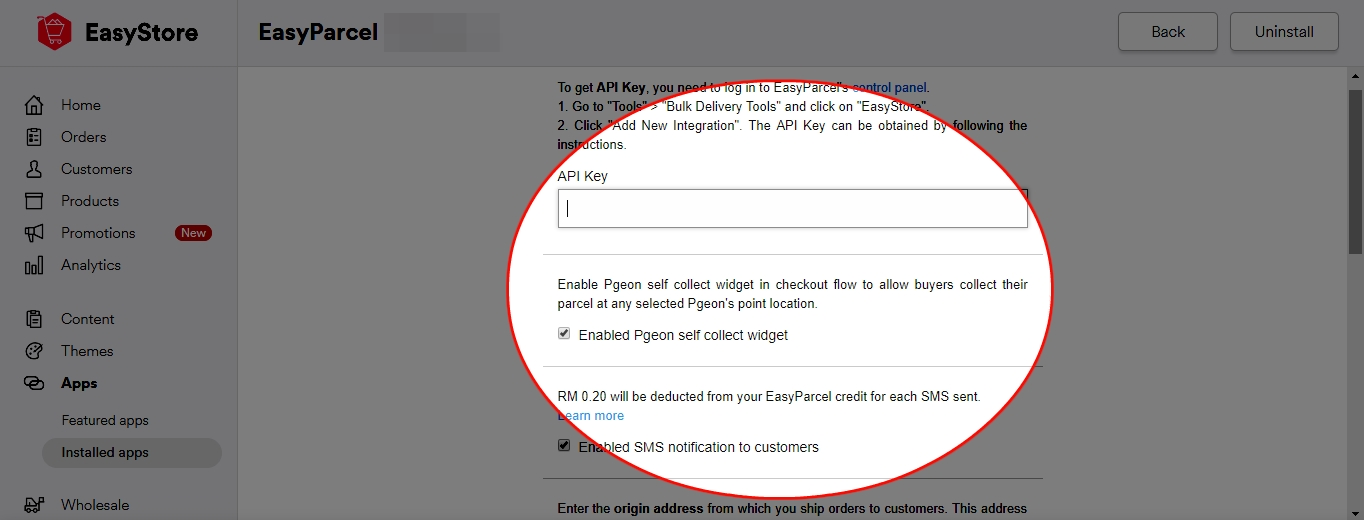
Step 12: Click ‘Installed apps’ and make sure your EasyParcel Singapore is ‘Activated’.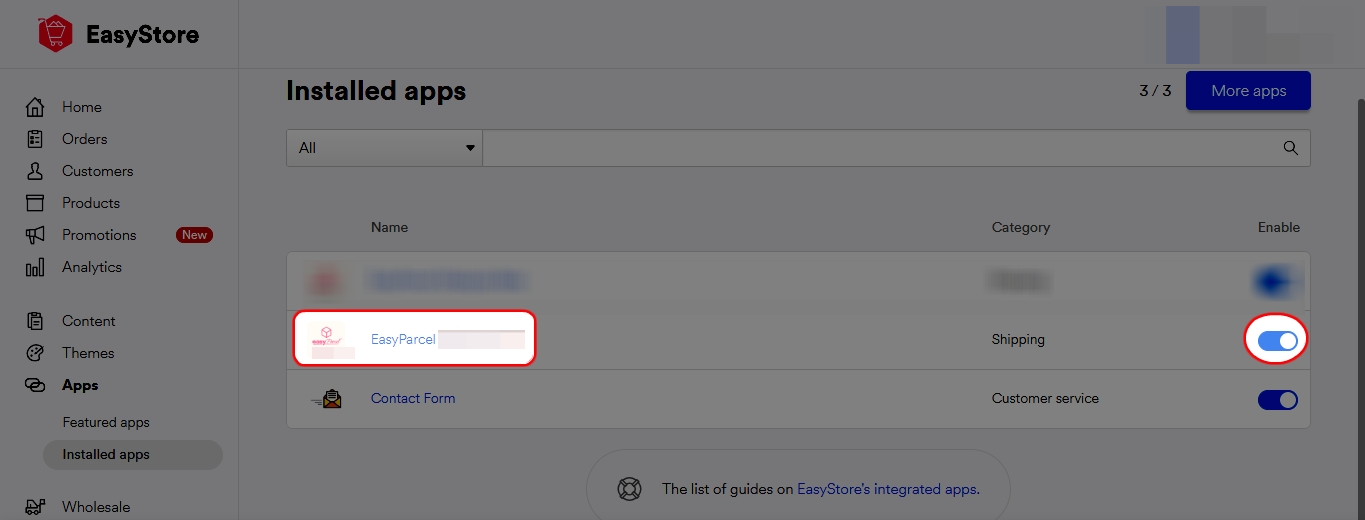
All done! You’ve successfully set up EasyParcel with EasyStore. Need more help? Just check out our other guidesor reach out to our support team anytime or reach out to our friendly support team. We're happy to help you every step of the way!