
Quick Summary
Account verification (eKYC) confirms your identity. Start it from Settings > Account Profile > Verification > Verify Now. Have your ID ready and a phone to scan a QR code.
We'll Cover:
What it is?
A quick check that confirms who you are, so we can keep your account safe and unlock features.
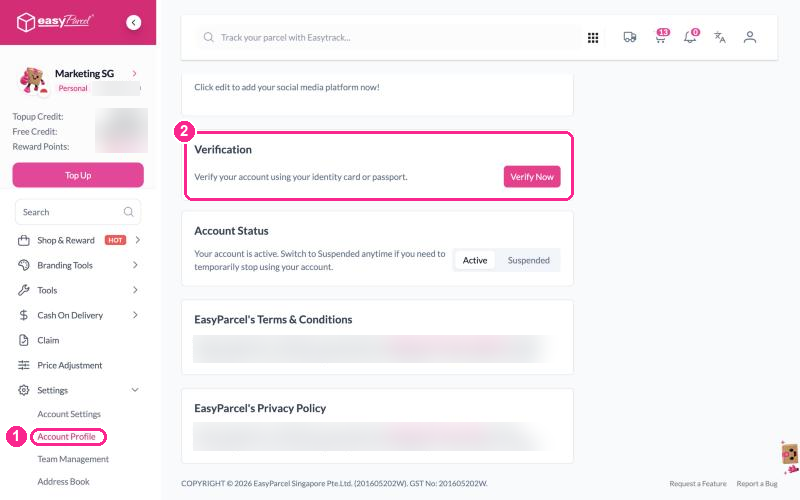
You can see it in Settings > Account Profile (1), in the Verification (2) section.
What you need?
- Your name, ID number, address, date of birth and gender, exactly as on your ID
- A valid Singapore NRIC, or a passport for foreign nationals
- A phone to scan the QR code
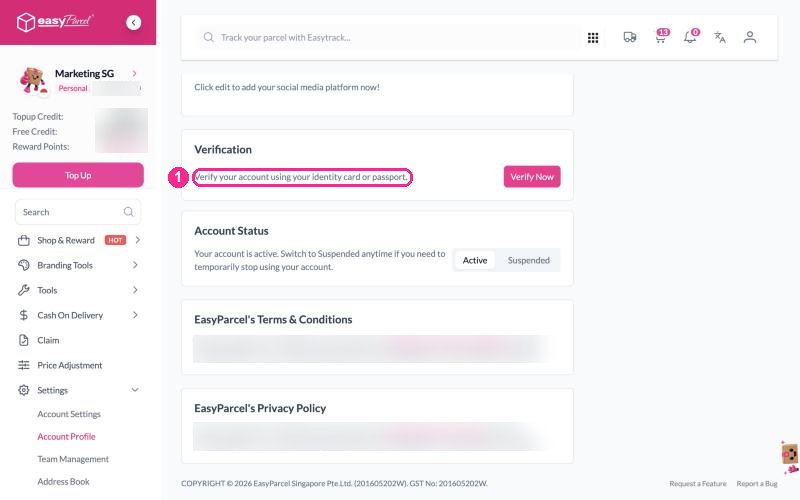
The page says you can use your identity card or passport (1).
How to verify?
- Open Settings > Account Profile and find Verification.
- Click Verify Now.
- Scan the QR code with your phone and sign in.
- Take photos of the front and back of your ID, take a selfie and confirm your details.
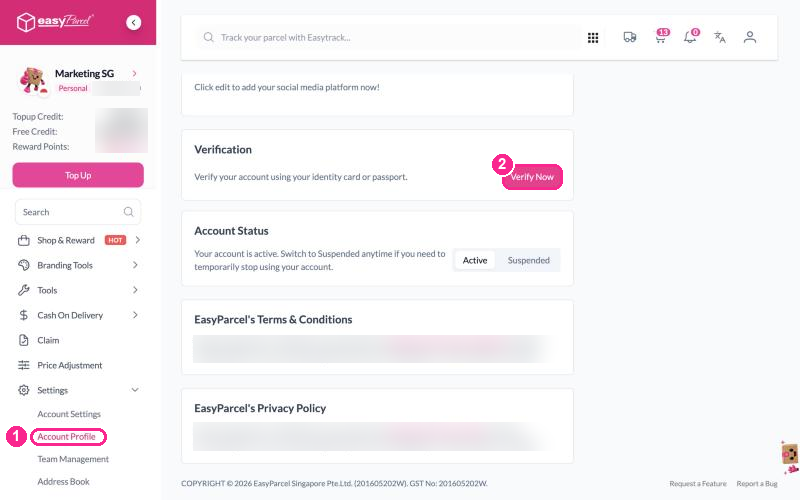
In Settings > Account Profile (1), click Verify Now (2).
In the app
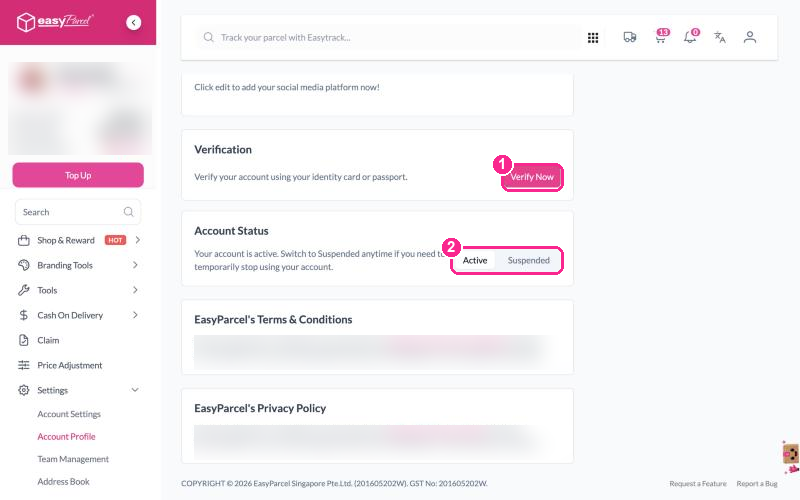
In Settings > Account Profile, scroll to Verification and click Verify Now (1).
What's next?
Still need help?
Our team is happy to help. ? Live Chat | ✉️ Contact Us