Quick Summary
To update or change your EasyParcel account email address, you need to contact the EasyParcel Customer Service team via the Contact Us form or Live Chat on the EasyParcel website. Support agents will assist you with updating your registered email securely.
Below are the way you may follow to change your email address.
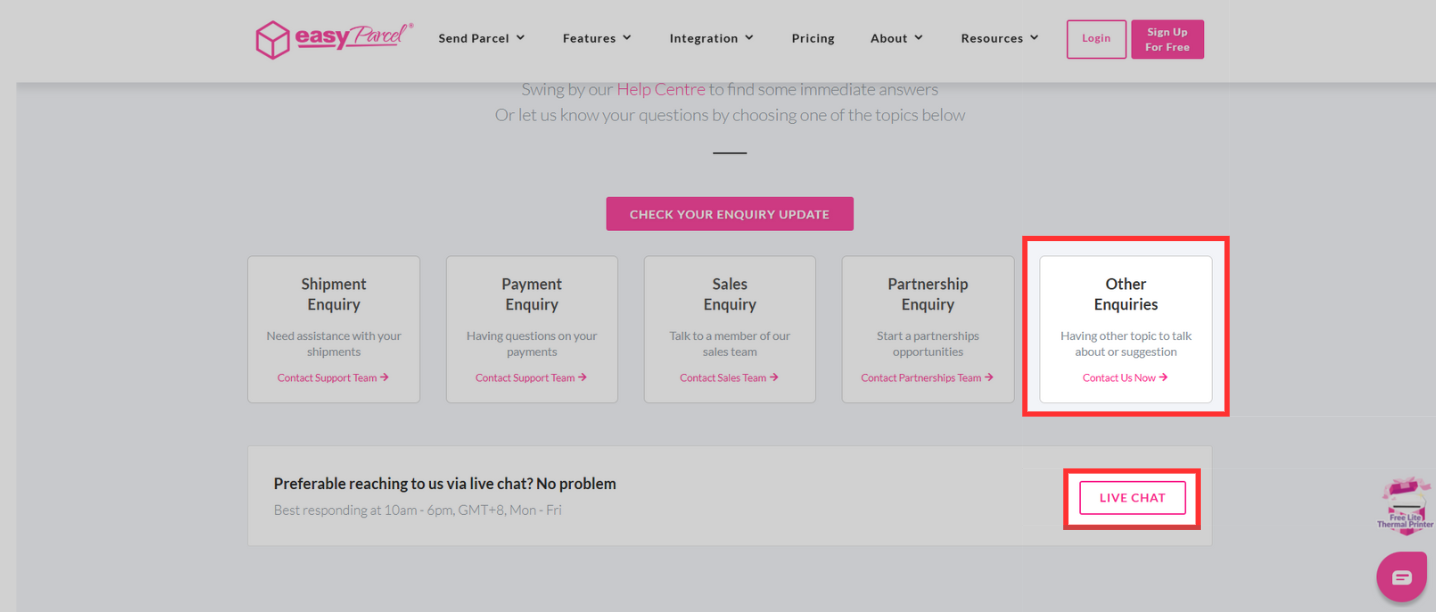
Step 1: Head over to https://app.easyparcel.com/sg/en/contact-us/ to enter to our contact us page or click here.
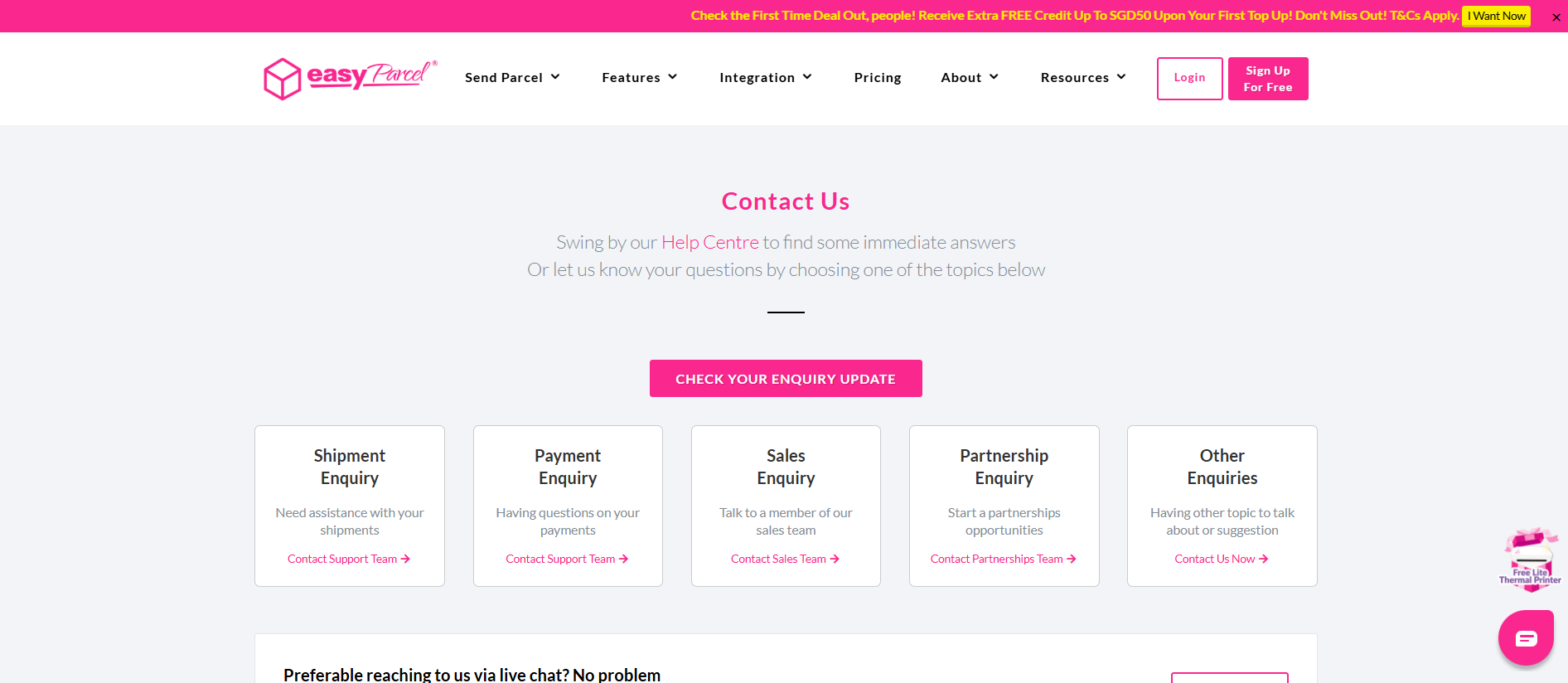
Step 2: Under it you may click on "Other Enquires" or "Live Chat" to request from our Customer Service Team. Once click it will redirect you to reach our Customer Service team.