
Quick Summary
For your security, some details cannot be changed in the app. To change your email address or mobile number, contact our support team. You can reset a forgotten password from the login page. To change your password, see How do I change my password?
We'll Cover:
Email address
Contact our support team through Support > Contact Us or live chat, and we will update your registered email.
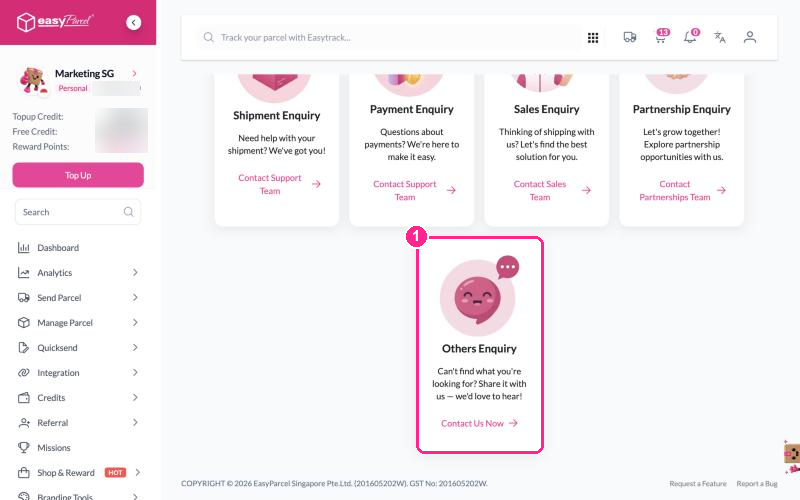
Go to Contact Us and choose Others Enquiry (1), then click Contact Us Now.
Mobile number
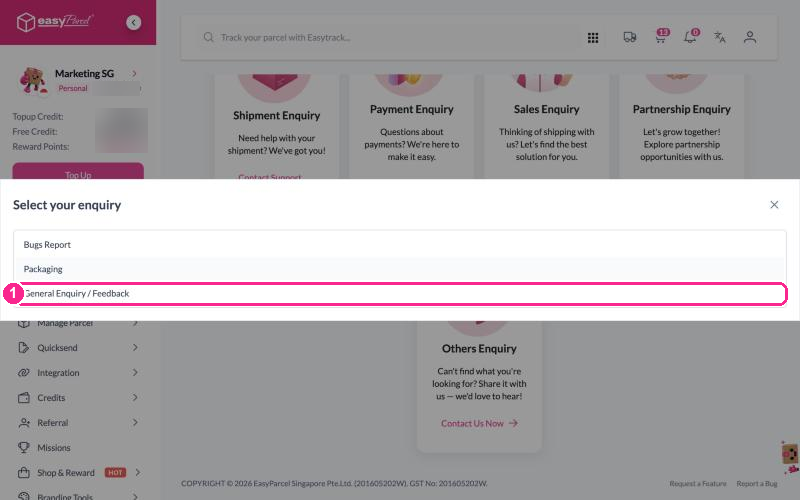
Choose General Enquiry / Feedback (1) and describe the change.
In the app
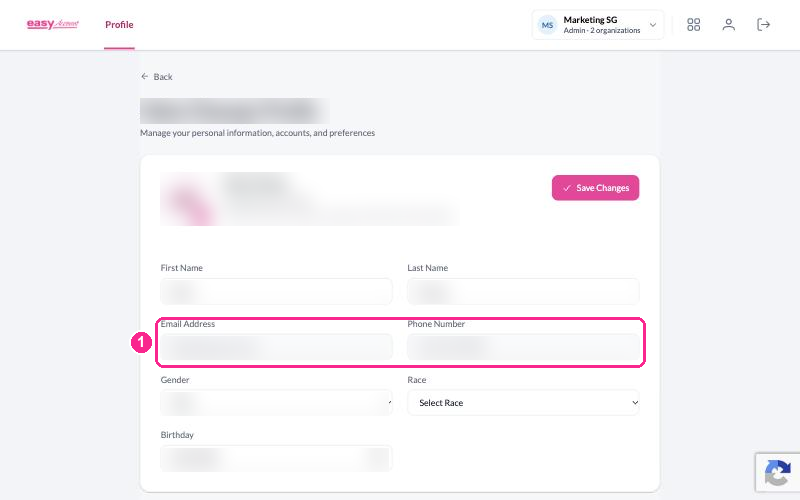
In User Profile, your email address and phone number are greyed out (1). Contact our support team to change them.
What's next?
Still need help?
Our team is happy to help. ? Live Chat | ✉️ Contact Us