
Quick Summary
Open the Log tab in Auto Fulfillment to see every order the app tried to fulfil.
We'll Cover:
Columns
| Column | What it shows |
| Date | When the app tried |
| Status | Success or Failed |
| Description | What happened and why it failed |
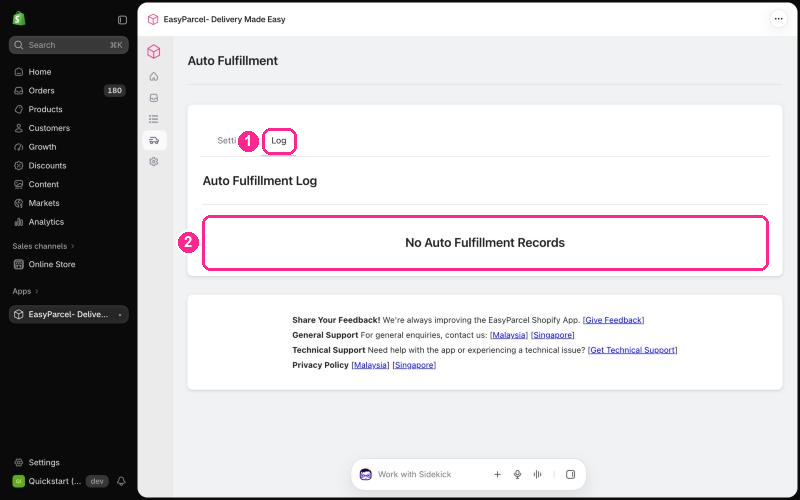
Open the Log (1) tab. Records are listed here (2).
Common failures
| Reason | Try this |
| Out of stock | Restock, then fulfil manually |
| Collection date not available for this courier service | Change the collection date schedule, or fulfil manually |
With multiple inventory locations, each location gets its own row.
Still need help?
Our team is happy to help. ? Live Chat | ✉️ Contact Us