
Quick Summary
To top up online, log in to your EasyParcel SG dashboard and click "Top Up" under your profile name. Select your preferred package, click "Get It Now," and add any desired Purchase With Purchase (PWP) items before clicking "Continue." Finally, choose Credit/Debit Card or E-wallet (available for EP20–EP1000 packages) and click "Pay Now" to complete the transaction. Credits are instantly added, securing your discounted member rates for one year.
You can top up your EasyParcel credit directly in just a few clicks online and enjoy member rates for your deliveries. This online top up available across multiple methods, including credit/debit card, and e-wallet. Find out how you can top up online:-
Step 1: From the side bar of your dashboard, click on the “Top Up”, which is located under your profile name.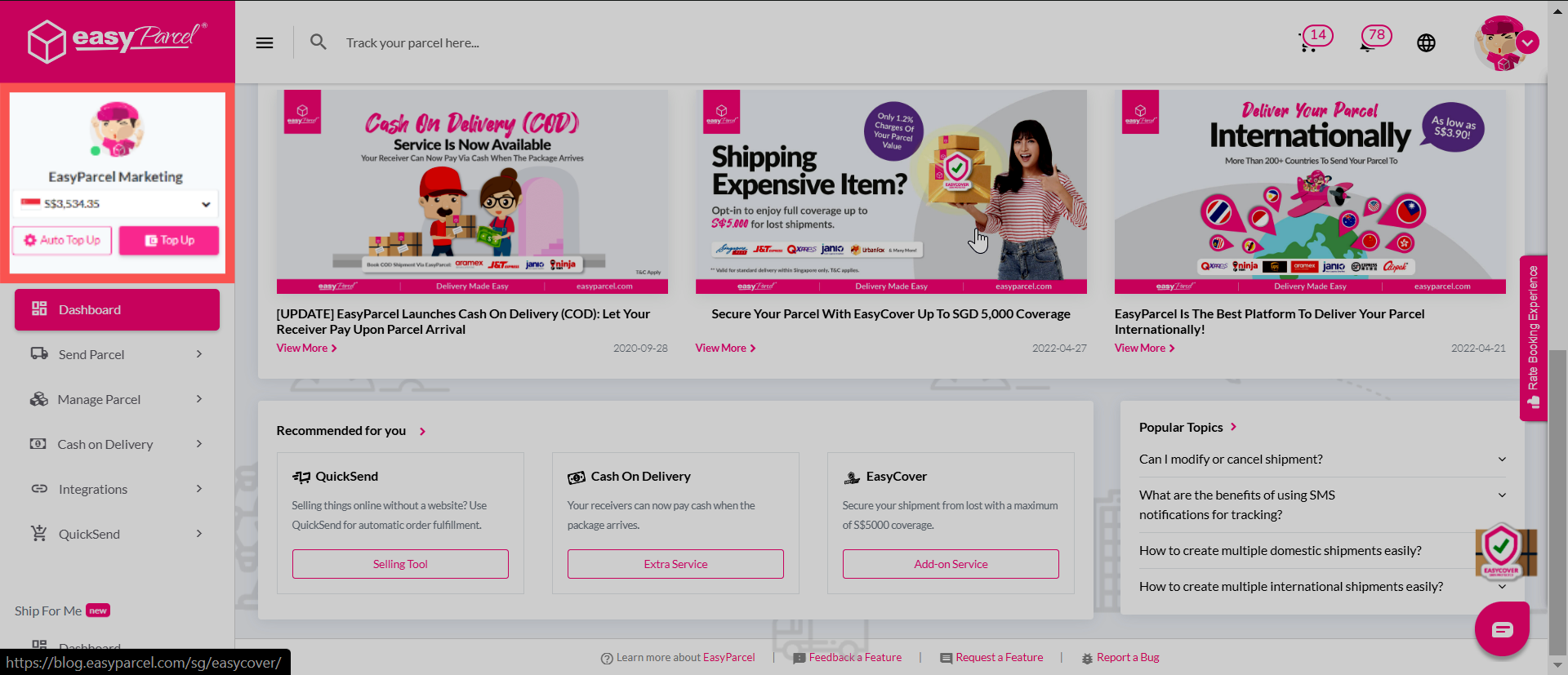
Step 2: Choose the top up package that suits your needs by clicking the “Get It Now” button.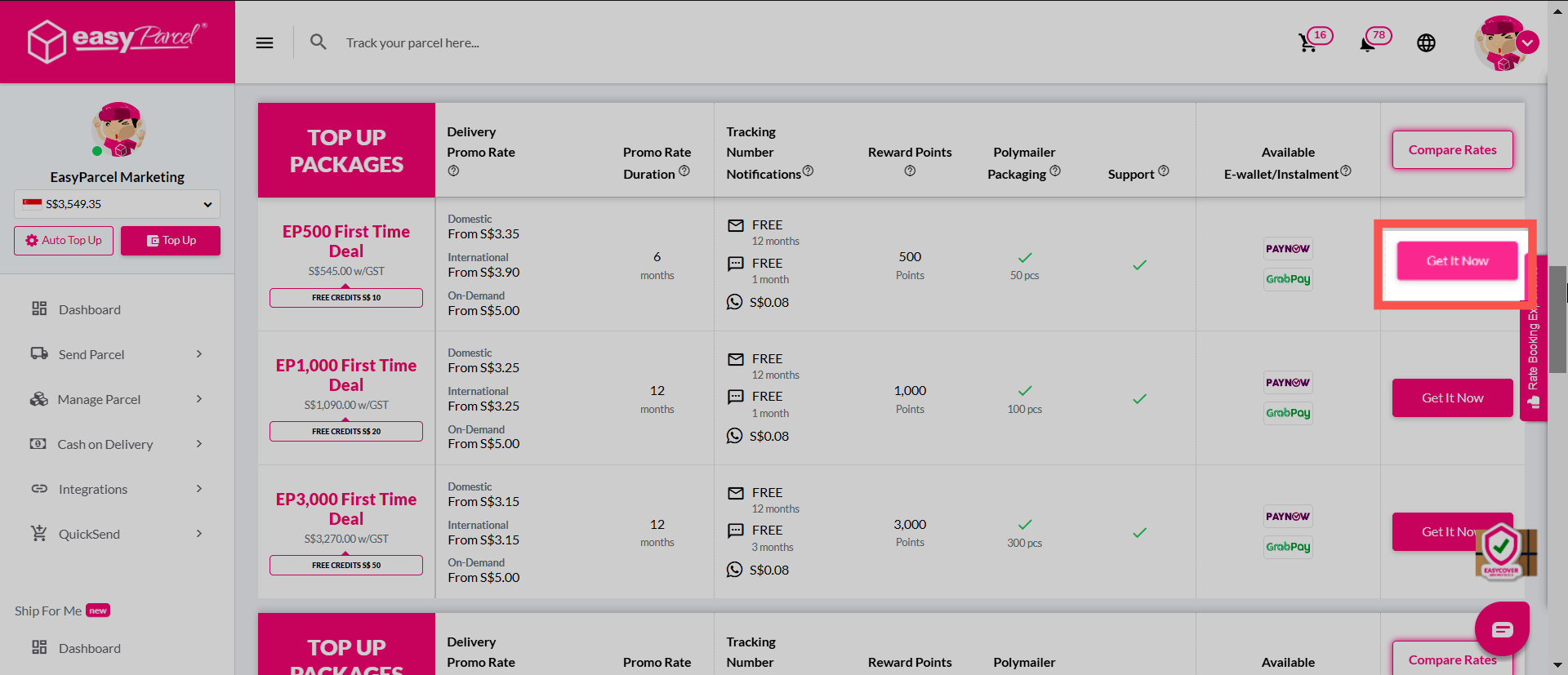
**Please ensure that you have selected the correct top up amount as refunds can only be issued if there was a system error only.
Step 3: Before checking out, you can opt to purchase Purchase With Purchase (PWP) items by clicking "Add Item".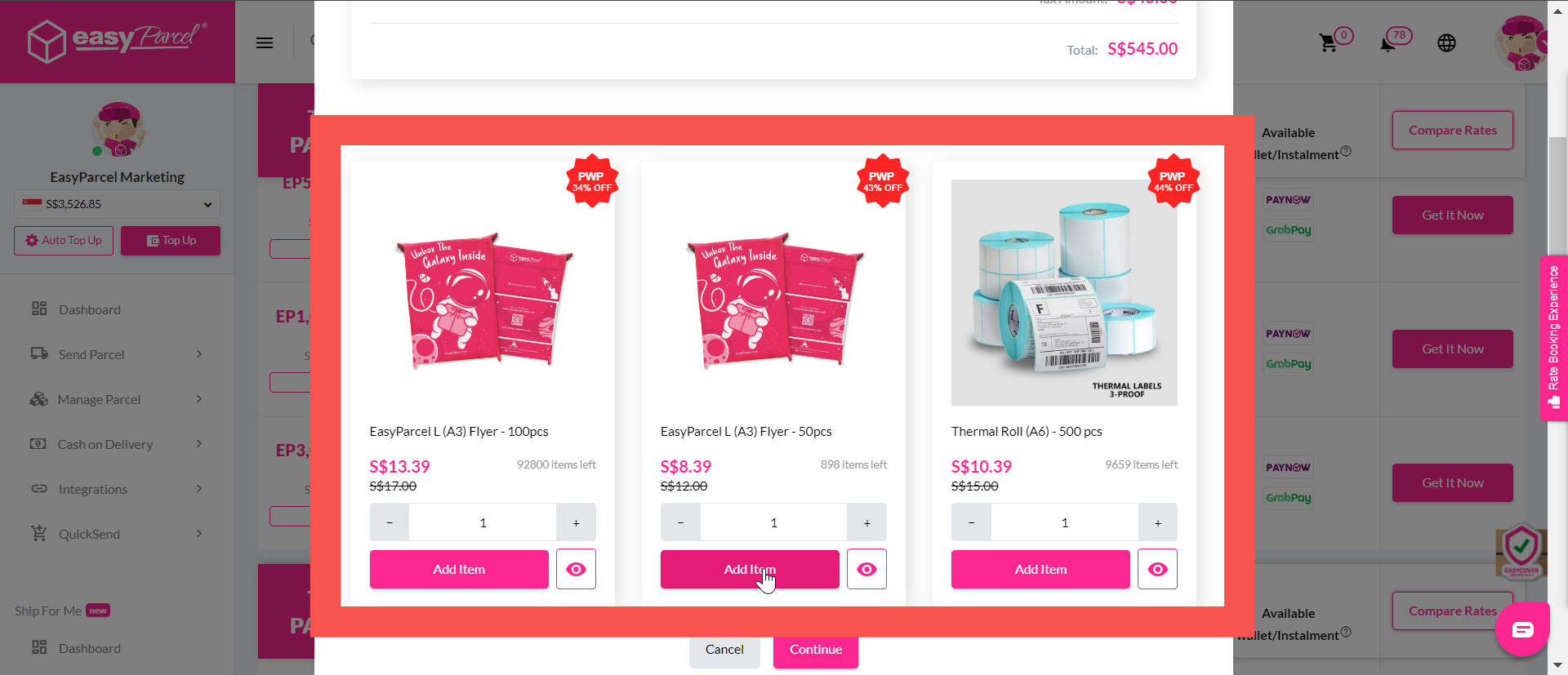 Step 4: Once done, click "Continue" to proceed with payment.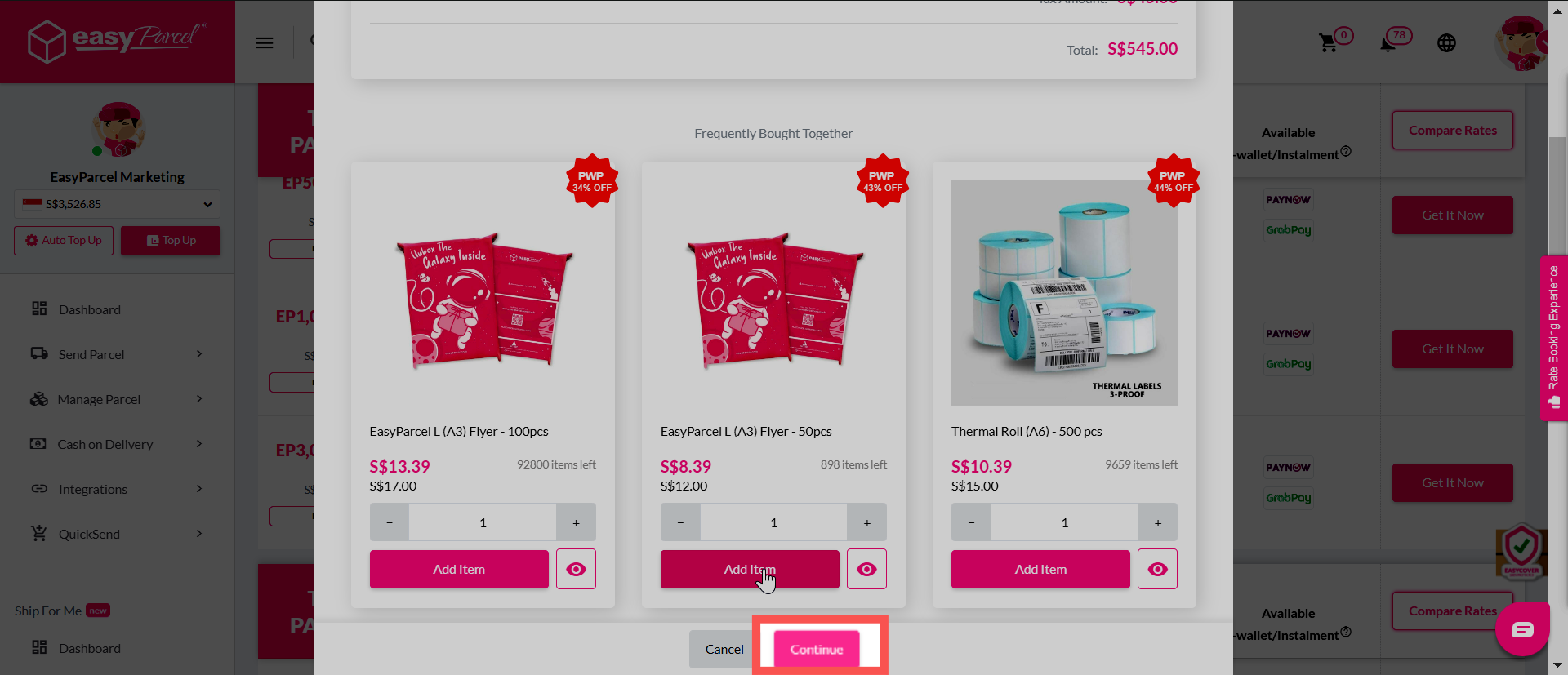
Step 5: Select your preferred payment method: credit/debit card, or e-wallet, and then proceed with a click on the "Pay Now" button.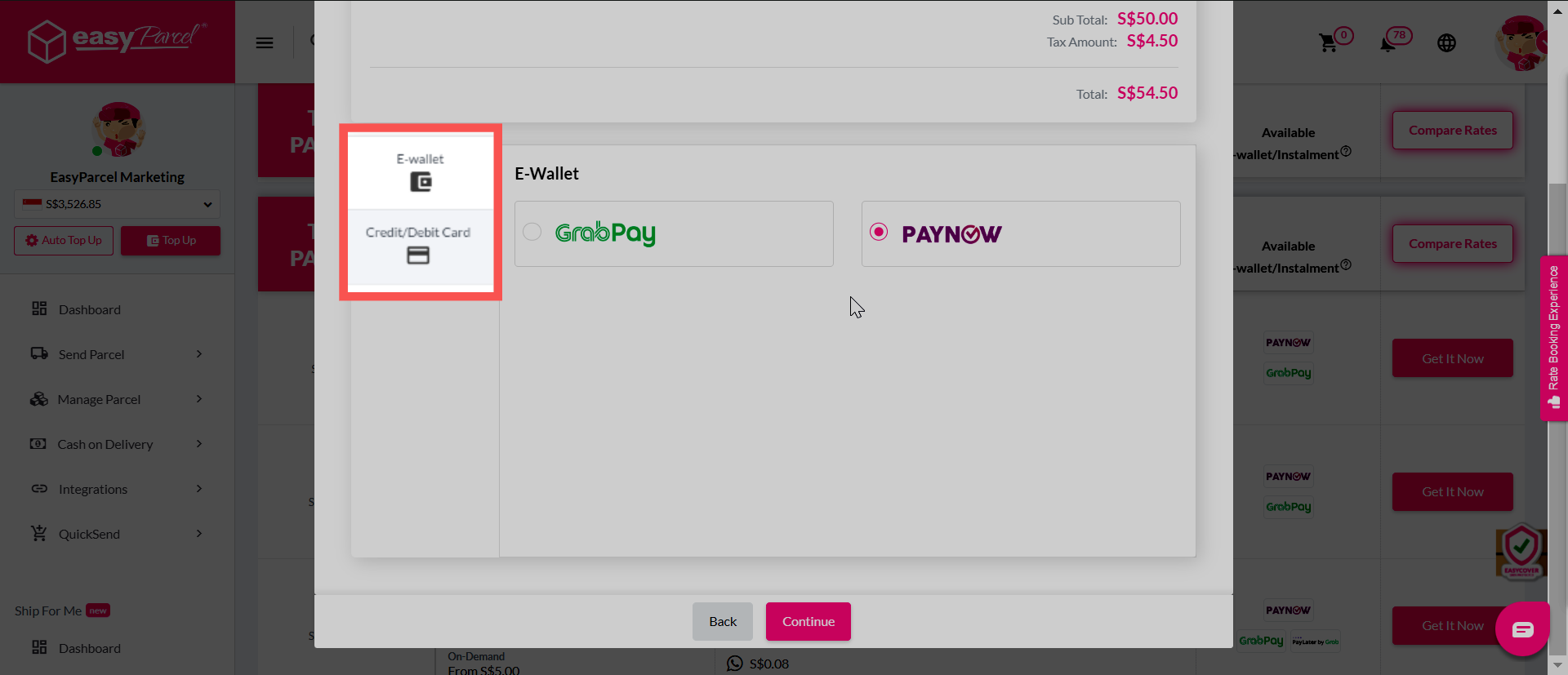
**Please be reminded that e-wallet option applicable for EP20 until EP1000 only
A quick heads up for you that EasyParcel credit has a validity of 1 year from your latest top up date. You can further extend the validity of all your credit balance for 1 year from your most recent top up date by topping up any package. Know more about EasyParcel credit