Quick Summary
To manage your shipments on the go, open the EasyParcel mobile app and navigate to the 'Order' tab. From here, you can access your Parcel List to view domestic, international, and on-demand shipments. The app allows you to instantly check receiver info, copy tracking numbers, download AWB PDF files, and monitor real-time parcel statuses. By using the mobile dashboard, you can oversee your entire logistics workflow directly from your smartphone, ensuring you stay updated on every delivery milestone.
We'll Cover:
Introduction
Here at EasyParcel, our priority is to bring you a convenient delivery experience. Thus, at every step of your journey, we accommodate you with suitable features that will help you along the way. The 'Order' feature in the EasyParcel Mobile App is one of them. Keep reading to see how you can use this feature to manage your booked parcels to the fullest.
How do I access and manage my Parcel List?
To manage your booked parcels, visit "Order" to access the parcel list. Under parcel list, you can manage your domestic and international parcels under "All Parcel" section; On-Demand parcels under "On-Demand Parcels".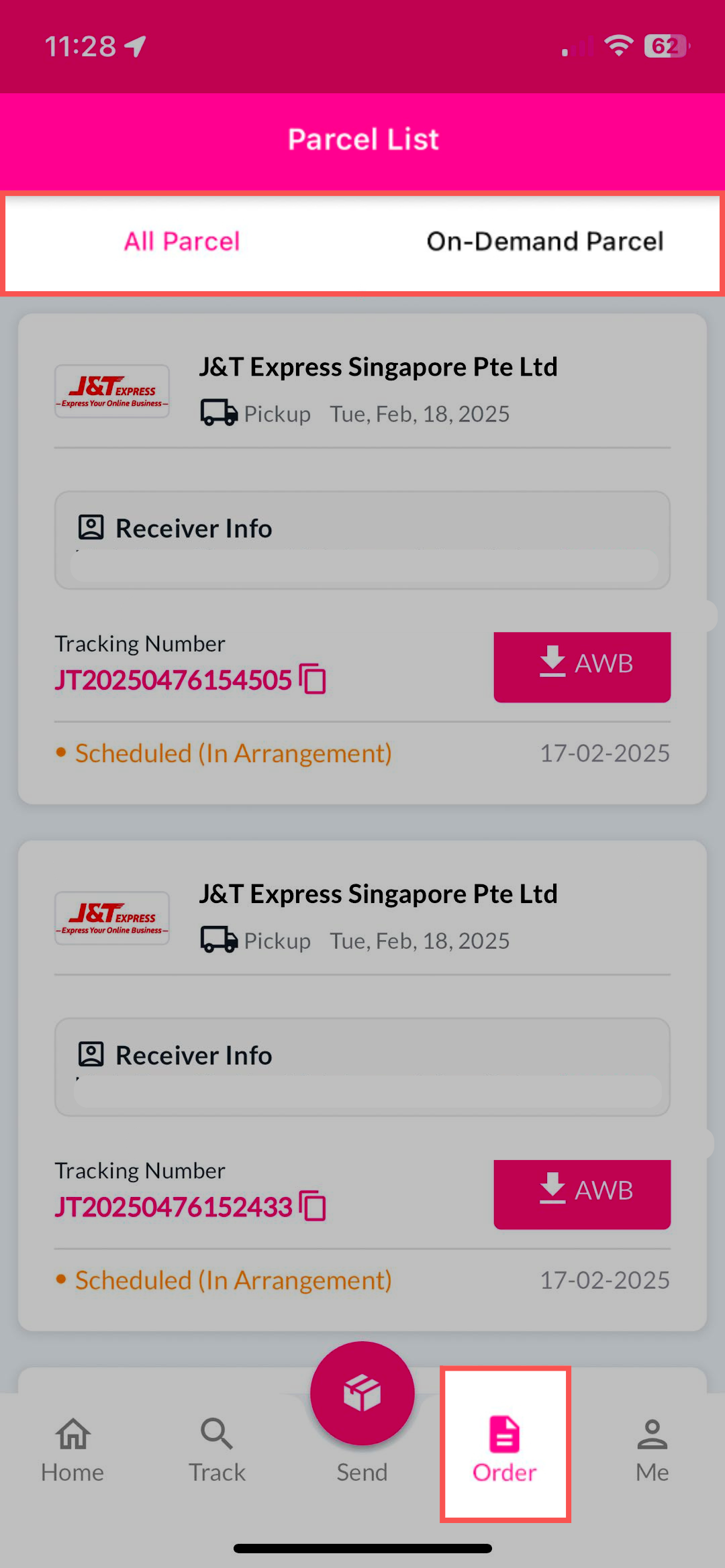
Where can I find detailed Receiver Info?
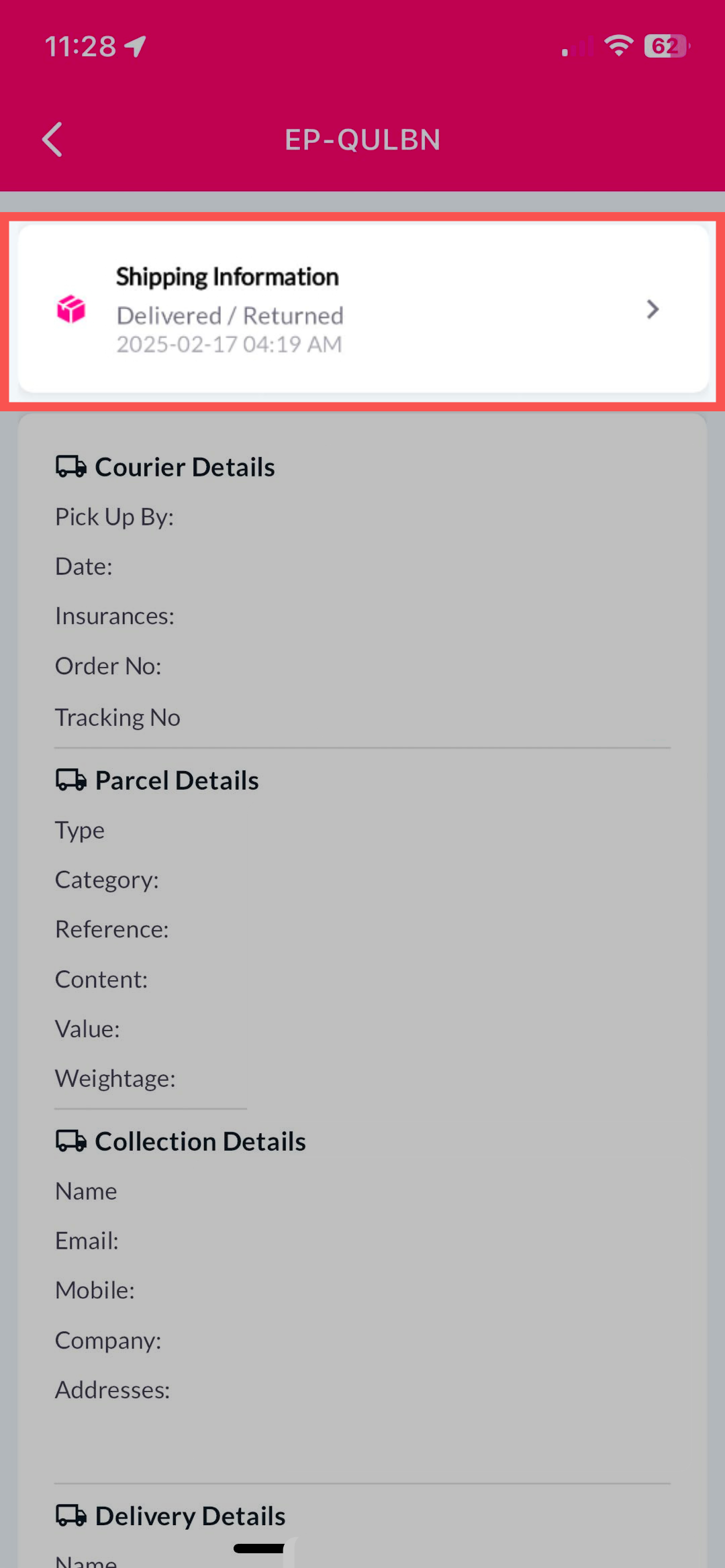
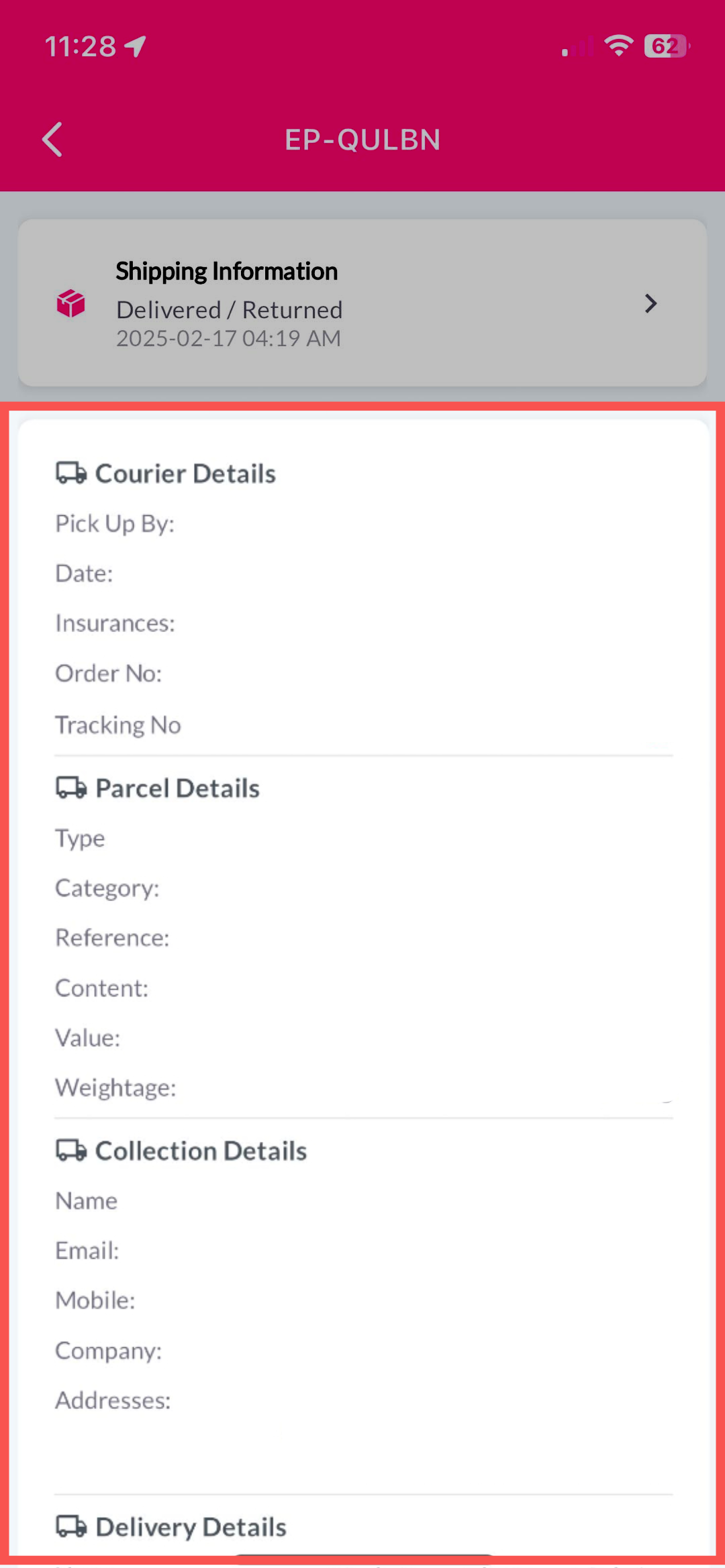
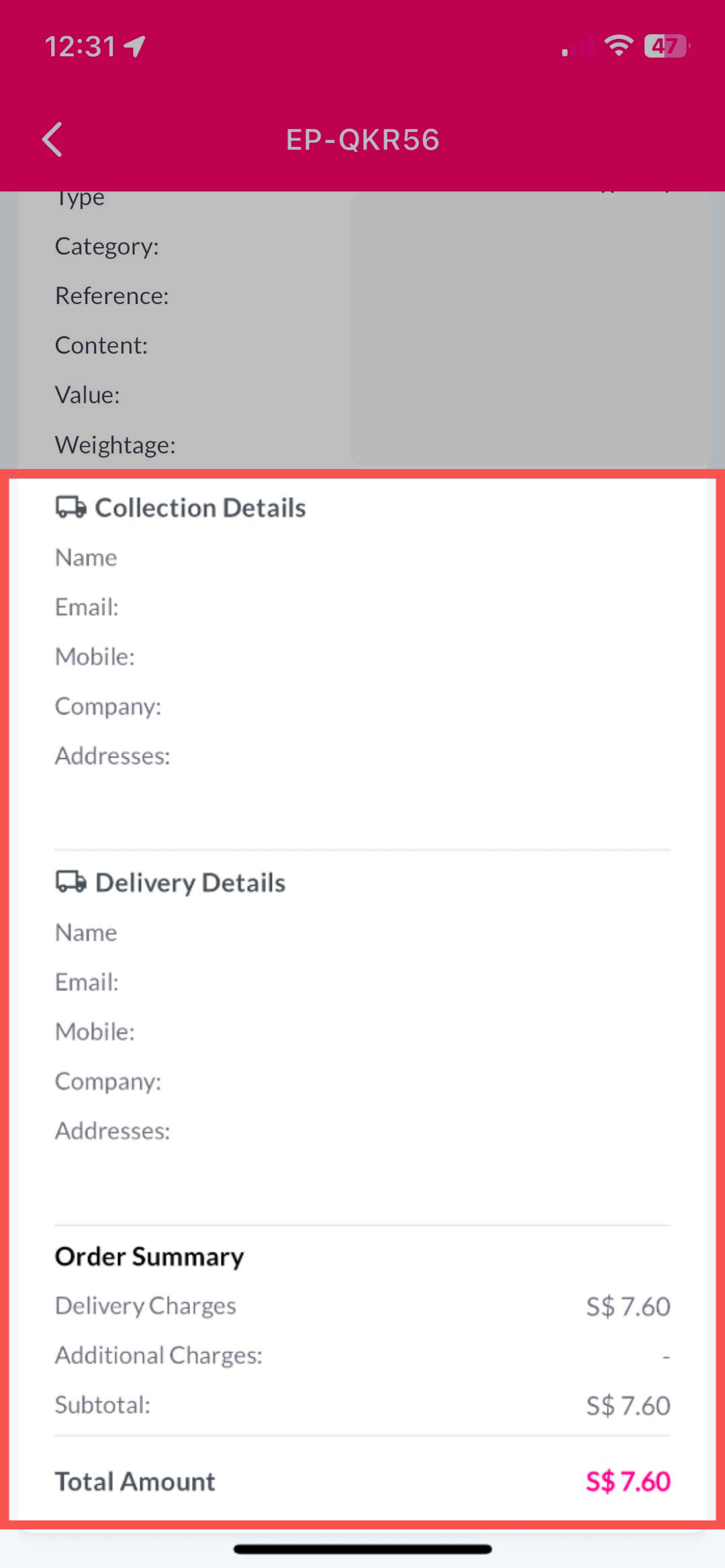
Under parcel list, you can easily access to reciever info. By clicking into it, you can view the courier details, parcel details, collection details, delivery details and order summary at a glance.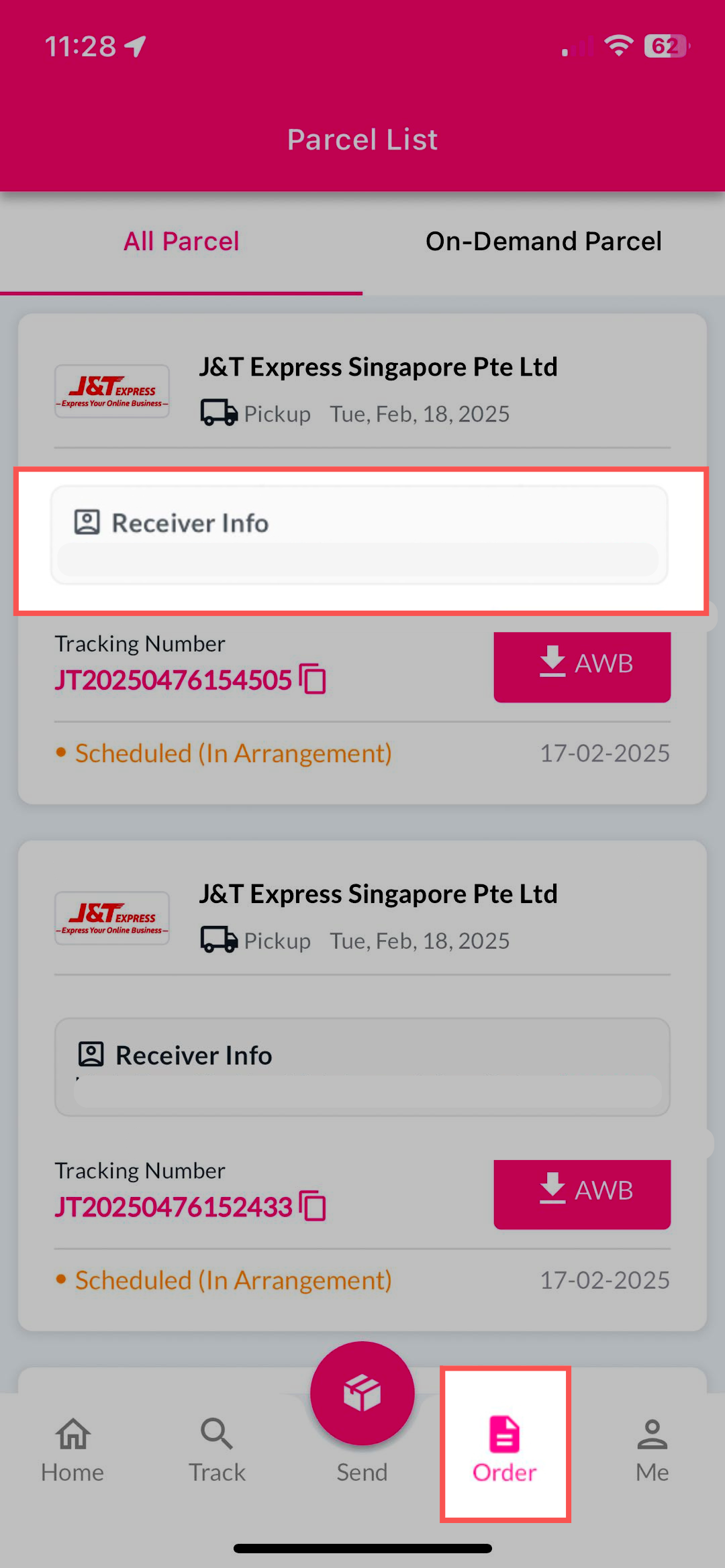
How do I find the Tracking Number and download the AWB?
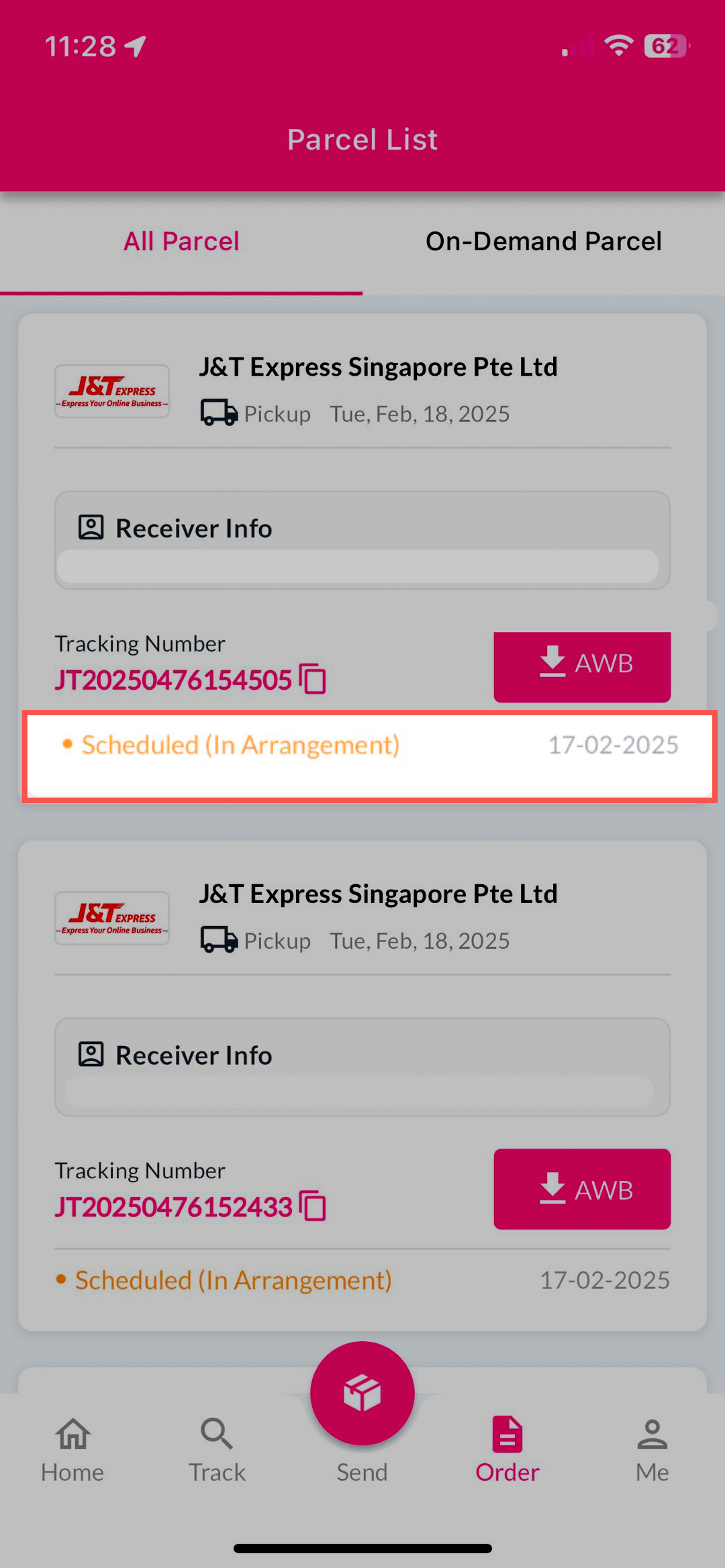
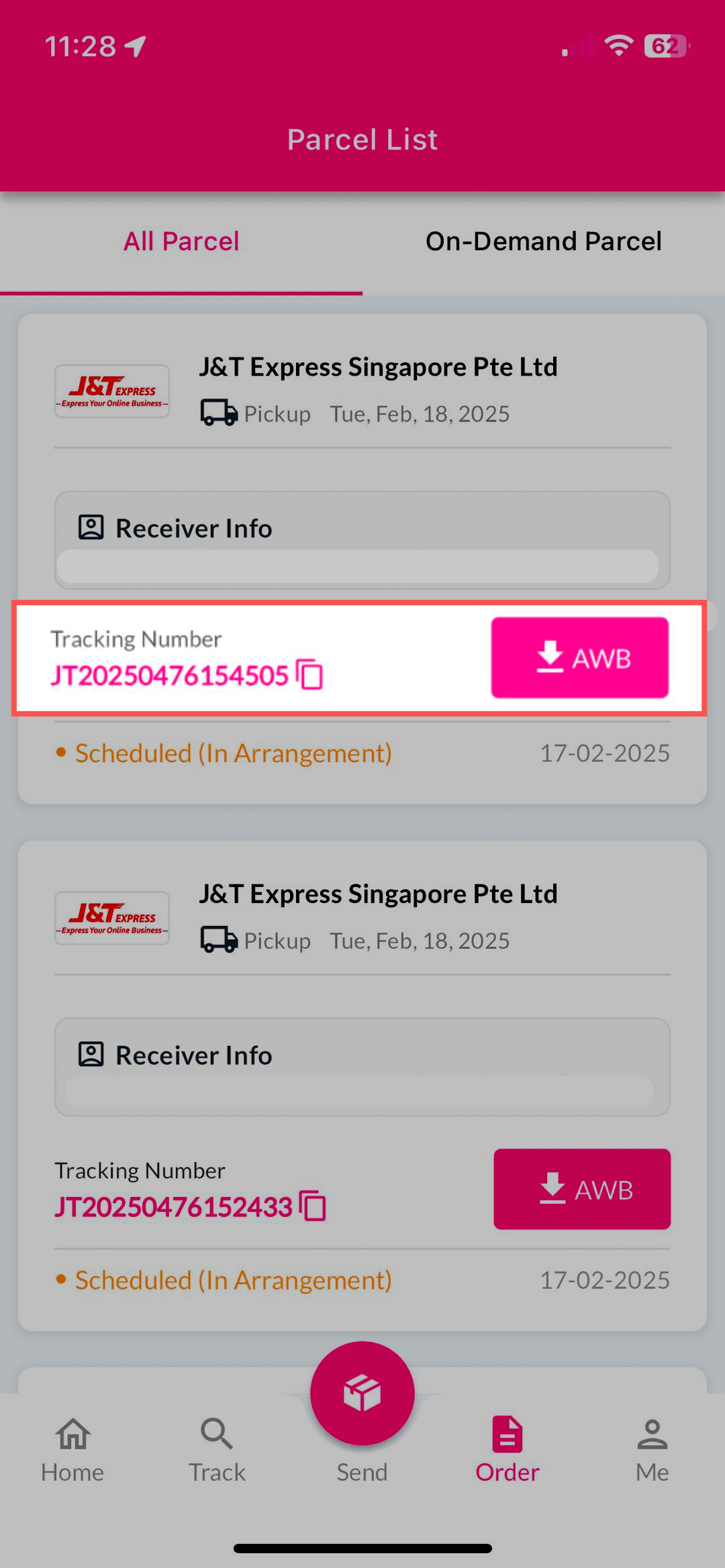
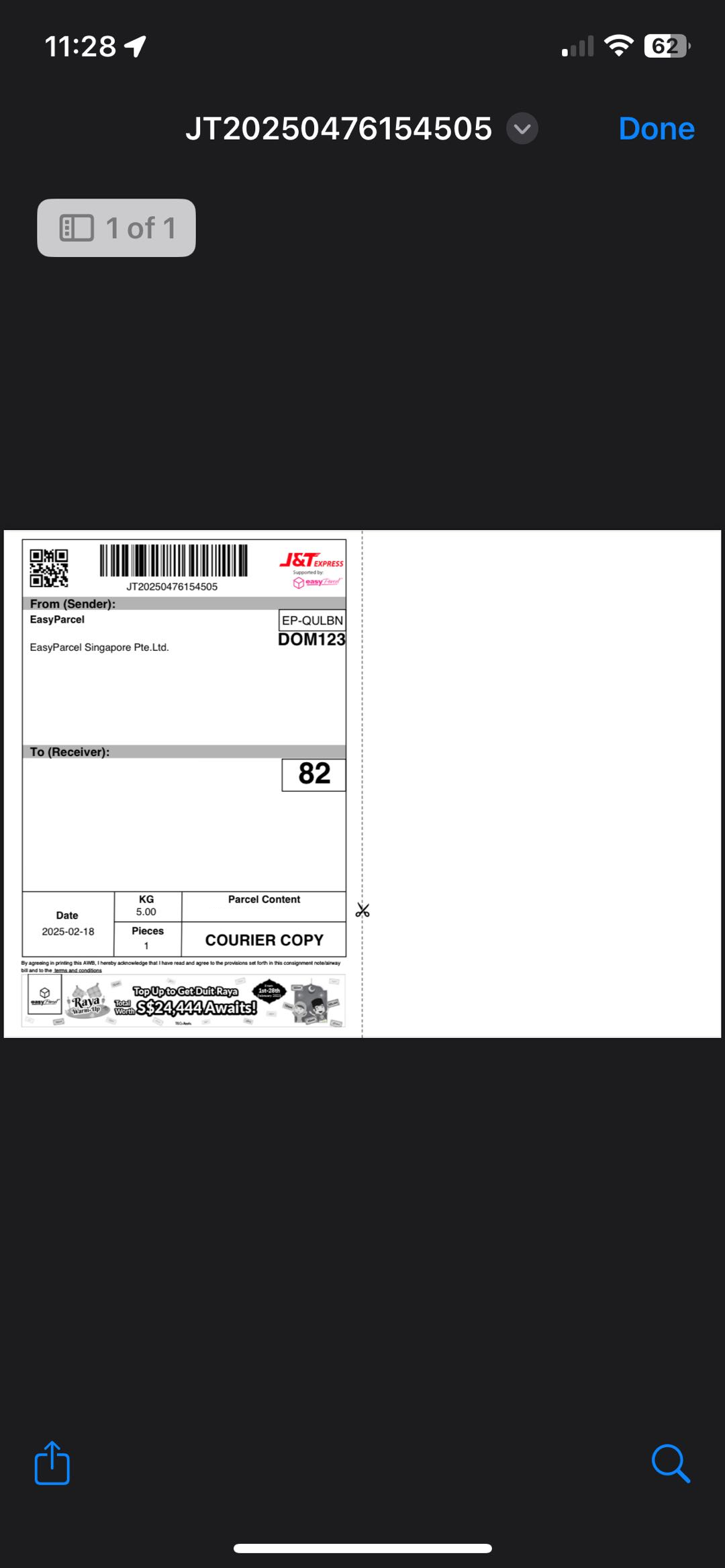
The third feature under 'Parcel List' is Tracking Number and AWB.From here, you can easily copy the tracking number, as well as download the AWB in PDF file.
How can I check the latest Parcel Status on the app?
The fourth feature under 'Parcel List' is 'Parcel Status'. Here you can access to a seamless yet well organized shipping info that able to help you track parcel within seconds.